2025.03.03 ライブ講座 「nizima LIVEを徹底解説!VTube Studioとの違いも比較!」【Live2DJUKU】 #Members only #Lesson #Function introduction #VTuber #Tracking #nizima LIVE #VTubeStudio
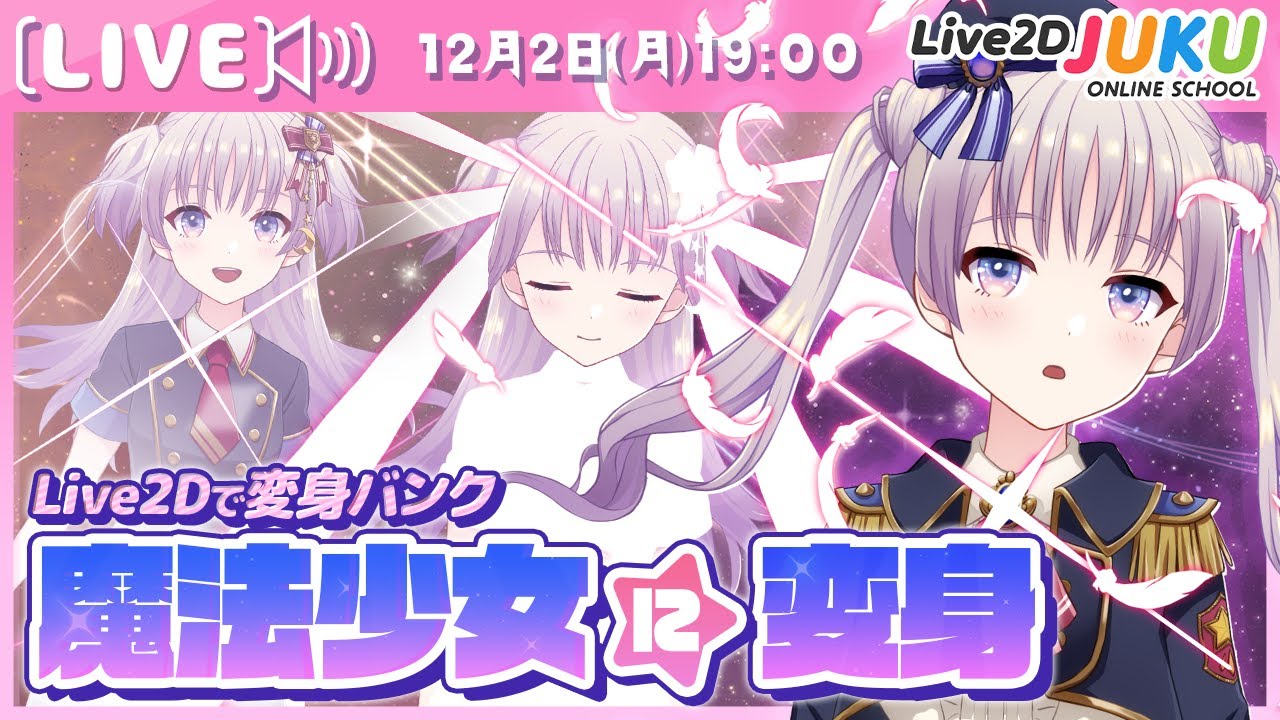
2024.12.02 ライブ講座 「魔法少女の様に変身しよう☆」【#Live2DJUKU】 #Members only #Lesson #With provided data #VTuber #Moving illustration #Game / App #Motion #Changing outfits #Effects
2024.11.15 【補講】「ケモ耳の魅力的な作り方」 【#Live2DJUKU】 #Members only #Lesson #With provided data #VTuber #Animal ear model
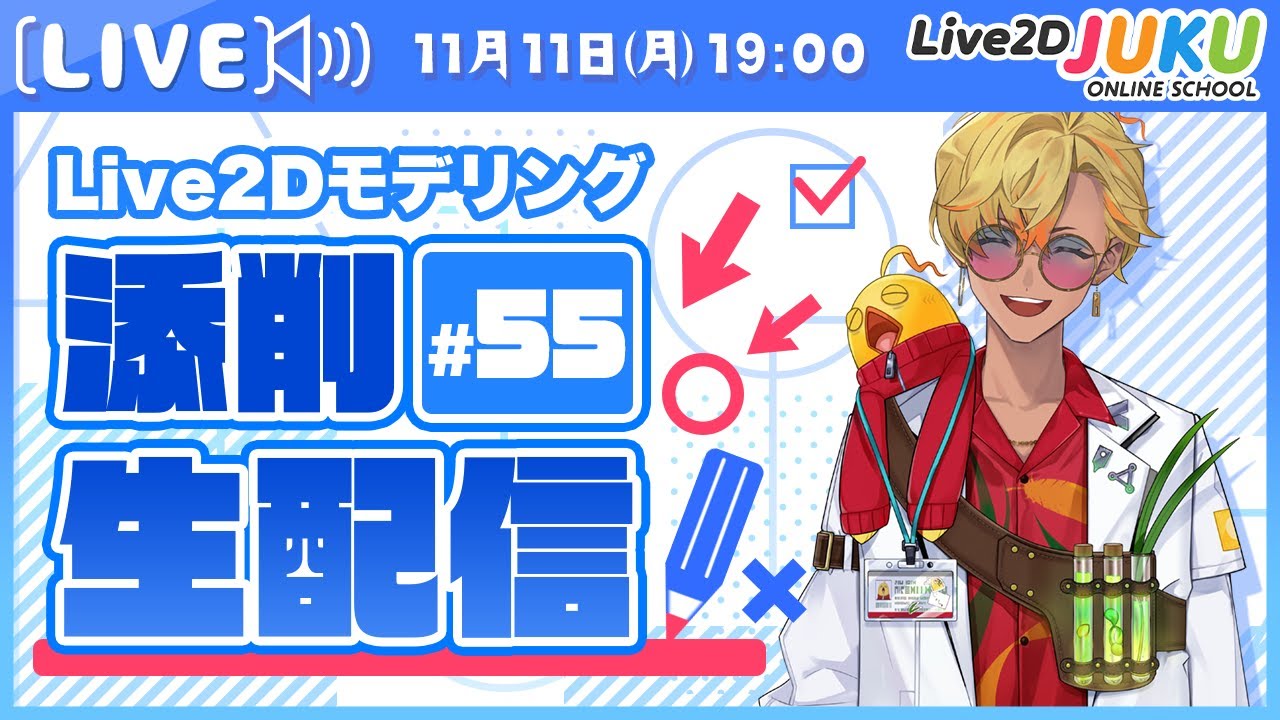
2024.11.11 【第55回 Live2D作品添削生配信!】揺れの動きをつくるときのコツ【#Live2DJUKU】 #Members only #Check and correct #VTuber #Deformer #Swaying #Physics
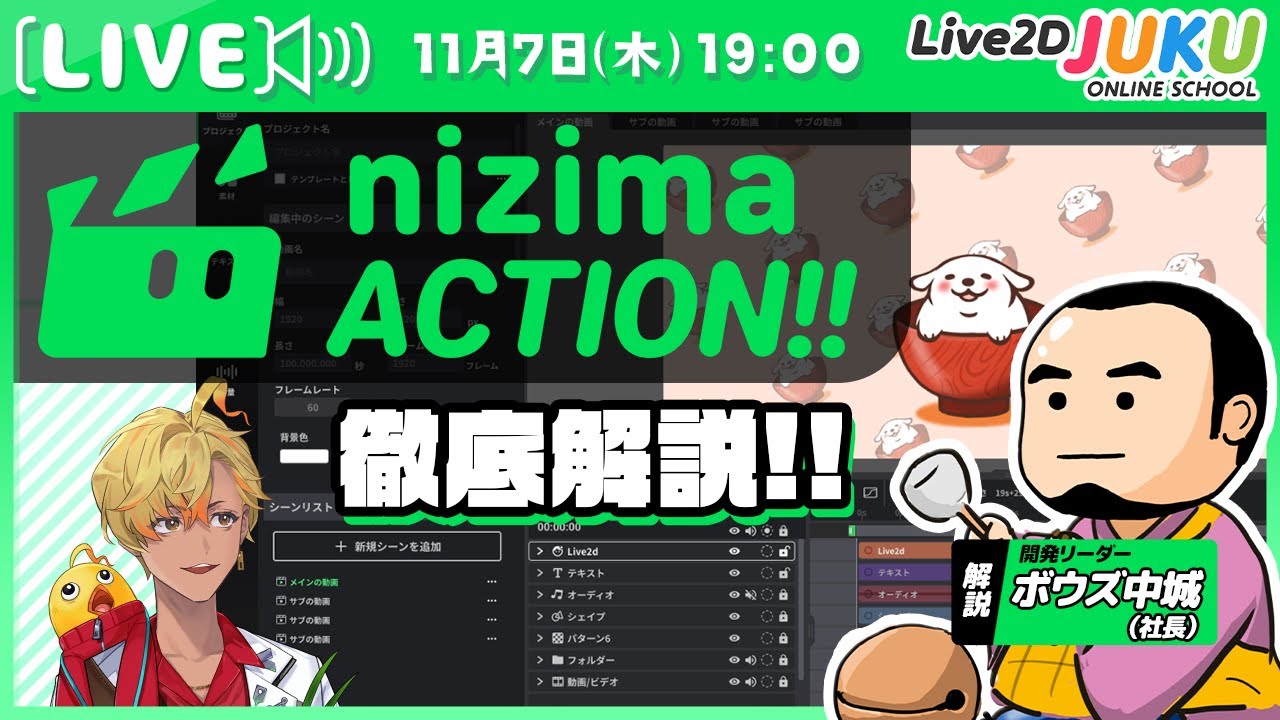
2024.11.07 【新プロダクト】Live2D公式オンライン動画エディター「nizima ACTION!!」クローズドα版を徹底解説!【#Live2DJUKU】 #Released to all #VTuber #nizima ACTION!!
2024.10.01 ライブ講座 「新機能で1日で作れるVTuberモデル!」【#Live2DJUKU】 #Members only #Lesson #With provided data #Time-saving technique #VTuber #Locating mesh #Deformer #Swaying #Model template function #Tracking #nizima LIVE
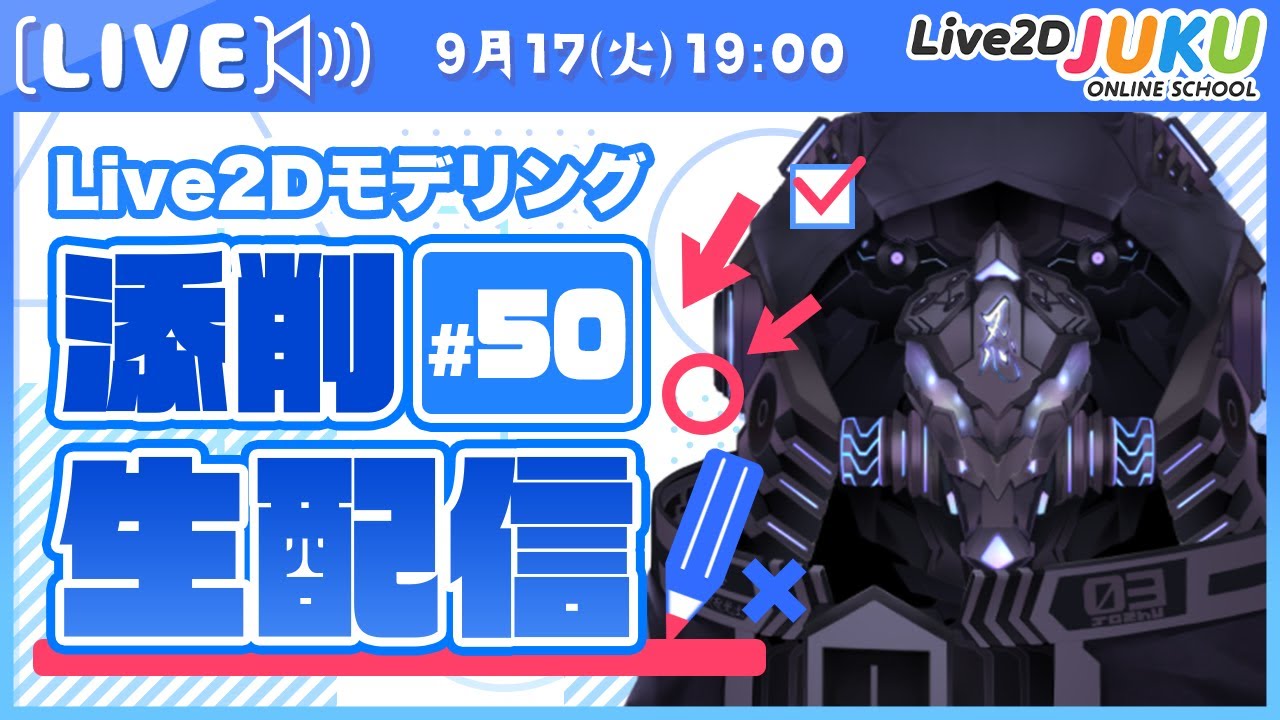
2024.09.17 【第50回 Live2D作品添削生配信!】揺れの動きを自動生成を活用!【#Live2DJUKU】 #Members only #Check and correct #VTuber #Swaying
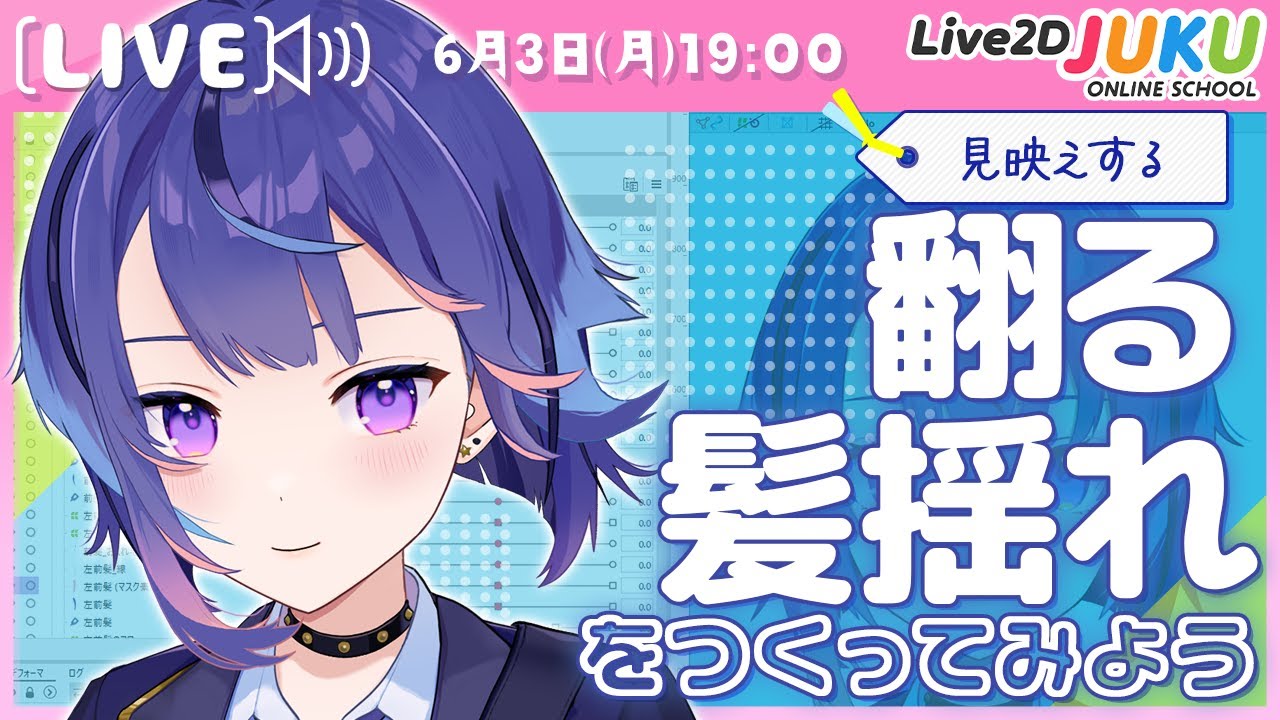
2024.06.03 ライブ講座 「翻る髪揺れをつくってみよう!」【#Live2DJUKU】 #Members only #Lesson #With provided data #VTuber #Locating mesh #Deformer #Bezier division number #Parameter #Deformation path #Glue #Extended Interpolation #Blend shape #Swaying #Physics #Texture atlas #Polygon #Photoshop
2024.05.16 高可動のYをつくってみよう 補講 調整の様子と手順の解説 【#Live2DJUKU】 #Members only #Lesson #With provided data #VTuber #Face angle XY #Glue #Extended Interpolation #Blend shape #Motion range #Going round #3D effects
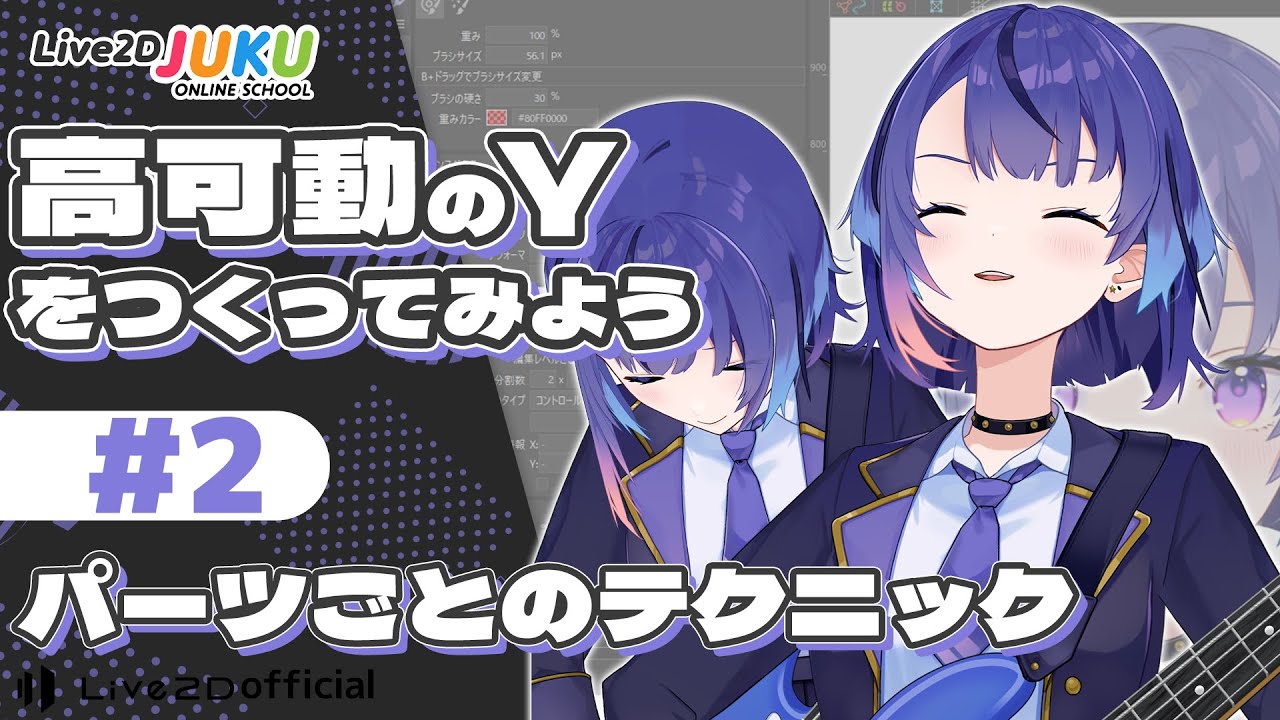
2024.05.16 高可動のYをつくってみよう ②パーツごとのテクニック【#Live2DJUKU】 #Members only #Lesson #With provided data #VTuber #Face angle XY #Glue #Extended Interpolation #Blend shape #Motion range #Going round #3D effects
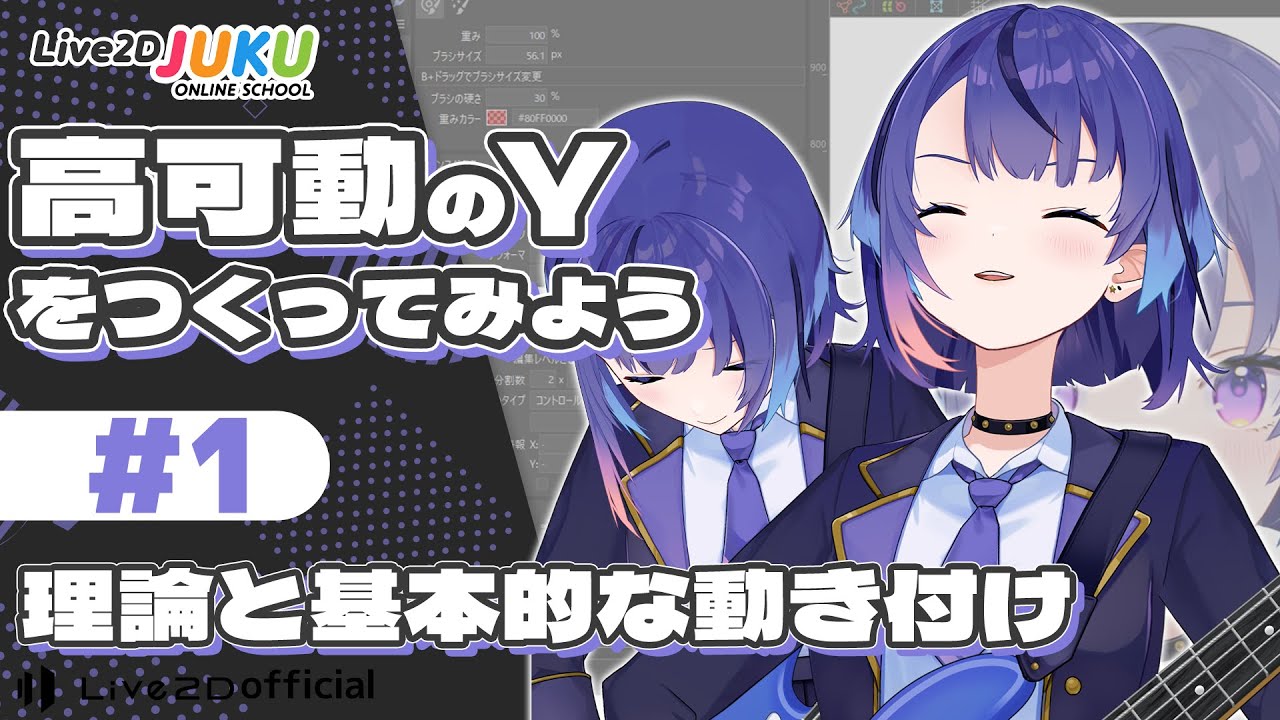
2024.05.16 高可動のYをつくってみよう ①理論と基本的な動き付け【#Live2DJUKU】 #Members only #Lesson #With provided data #VTuber #Face angle XY #Glue #Extended Interpolation #Blend shape #Motion range #Going round #3D effects
2024.05.16 高可動のYをつくってみよう ダイジェスト【#Live2DJUKU】 #Released to all #Lesson #With provided data #VTuber #Face angle XY #Motion range #Going round #3D effects #Clip / Digest