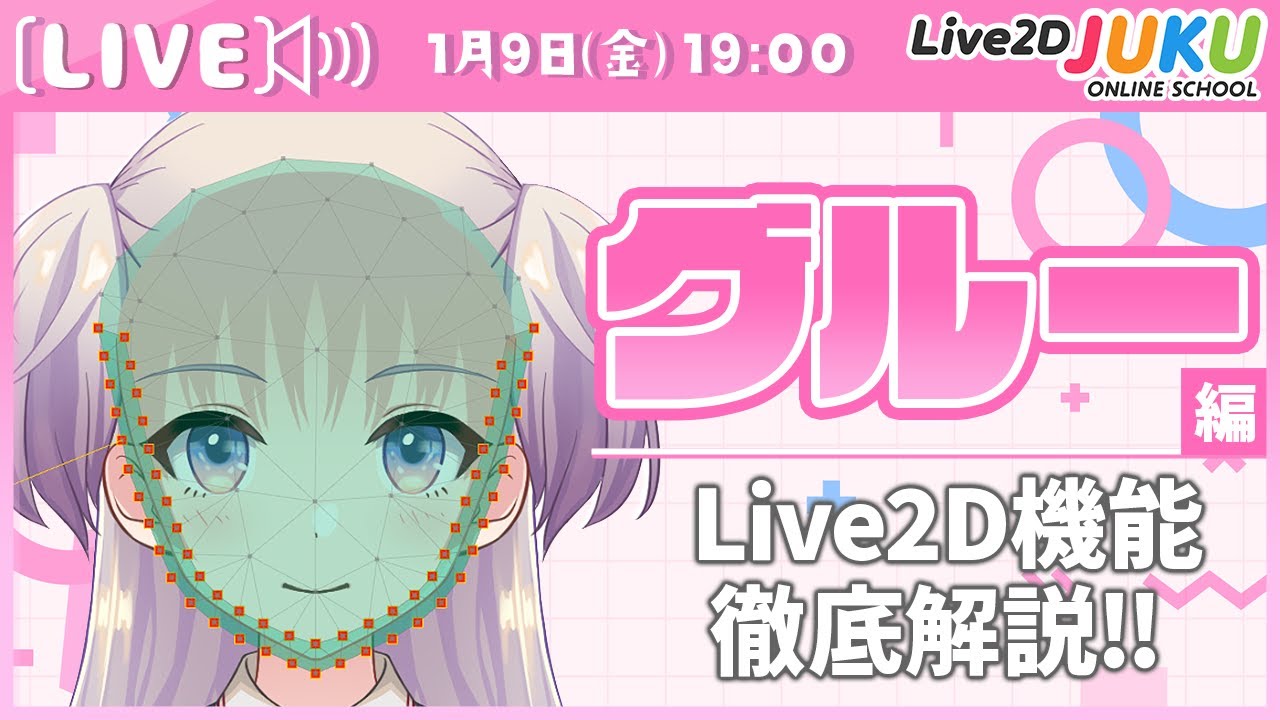
2026.01.09 ライブ講座 「グルー編 | Live2D機能徹底解説‼」【Live2DJUKU】 #Members only #Lesson #With provided data #Live modeling #Level up from a beginner #Function introduction #Glue
2025.03.03 ライブ講座 「nizima LIVEを徹底解説!VTube Studioとの違いも比較!」【Live2DJUKU】 #Members only #Lesson #Function introduction #VTuber #Tracking #nizima LIVE #VTubeStudio
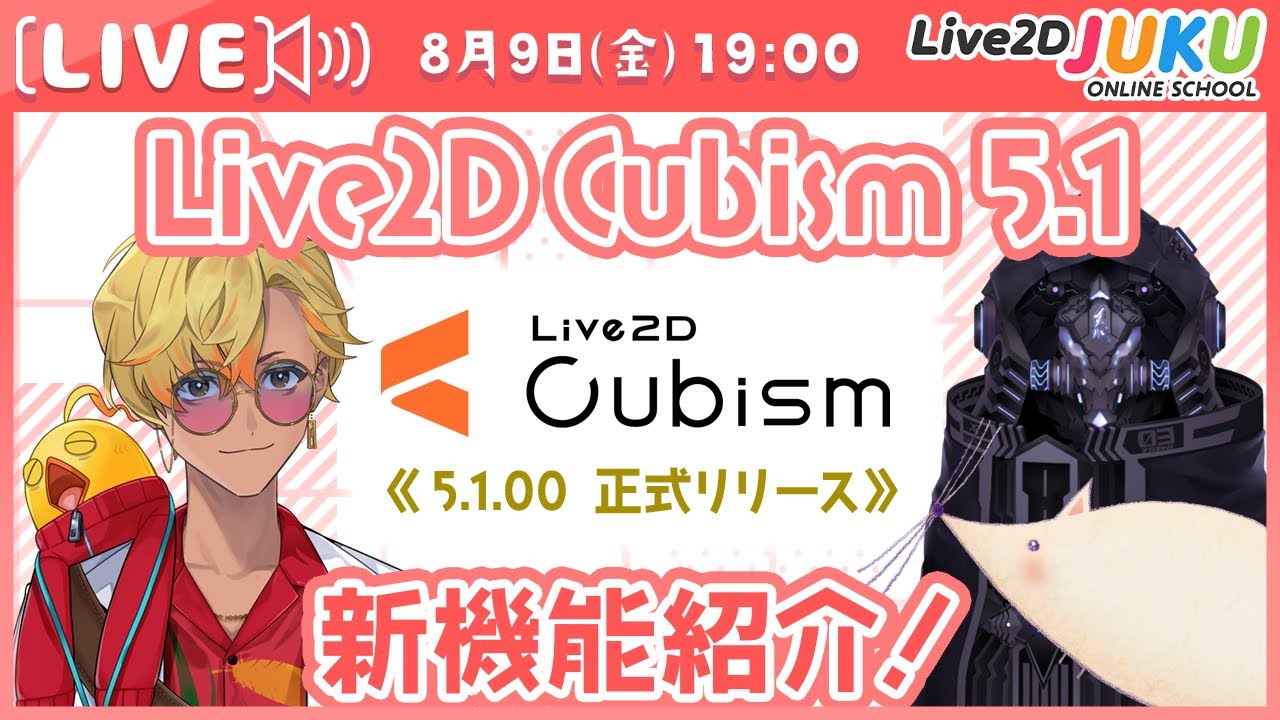
2024.08.09 Live2D Cubism 5.1 新機能紹介!【#Live2DJUKU】 #Released to all #Function introduction #Deformer #Swaying #Model template function #Tracking #nizima LIVE
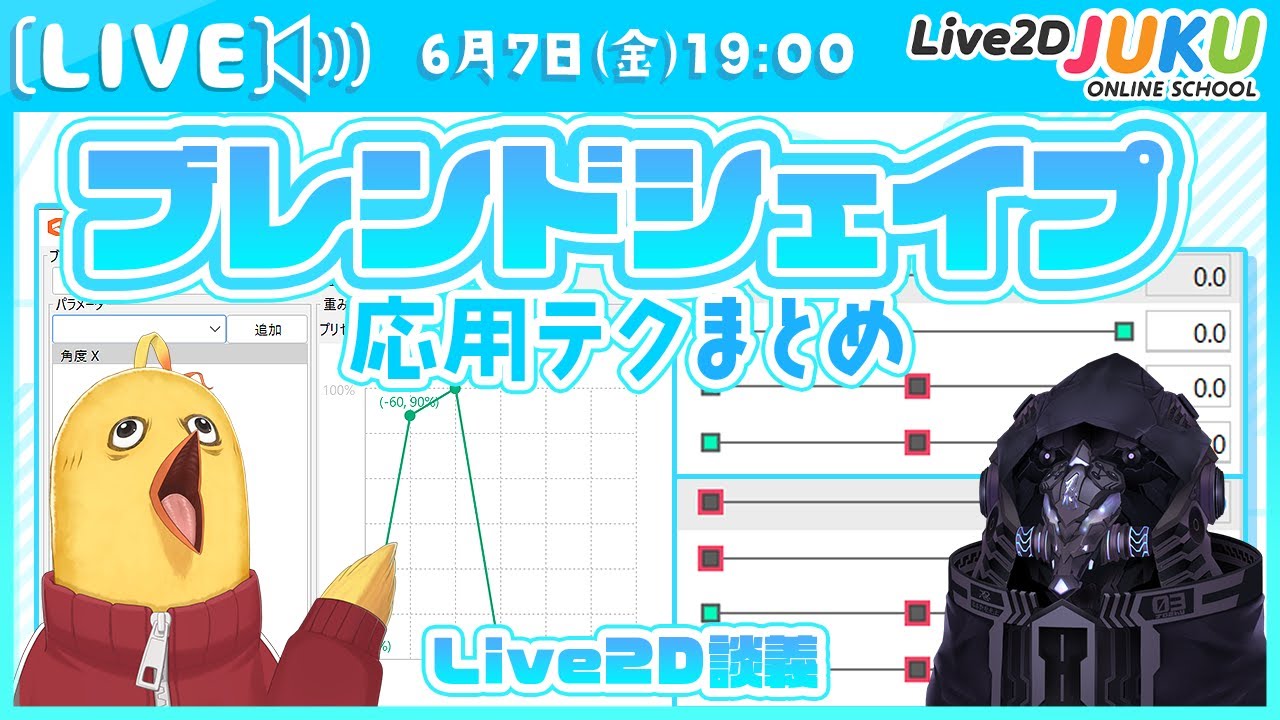
2024.06.07 【Live2D談義】ブレンドシェイプ応用テクまとめ【#Live2DJUKU】 #Members only #Live2D discussion #Function introduction #Blend shape
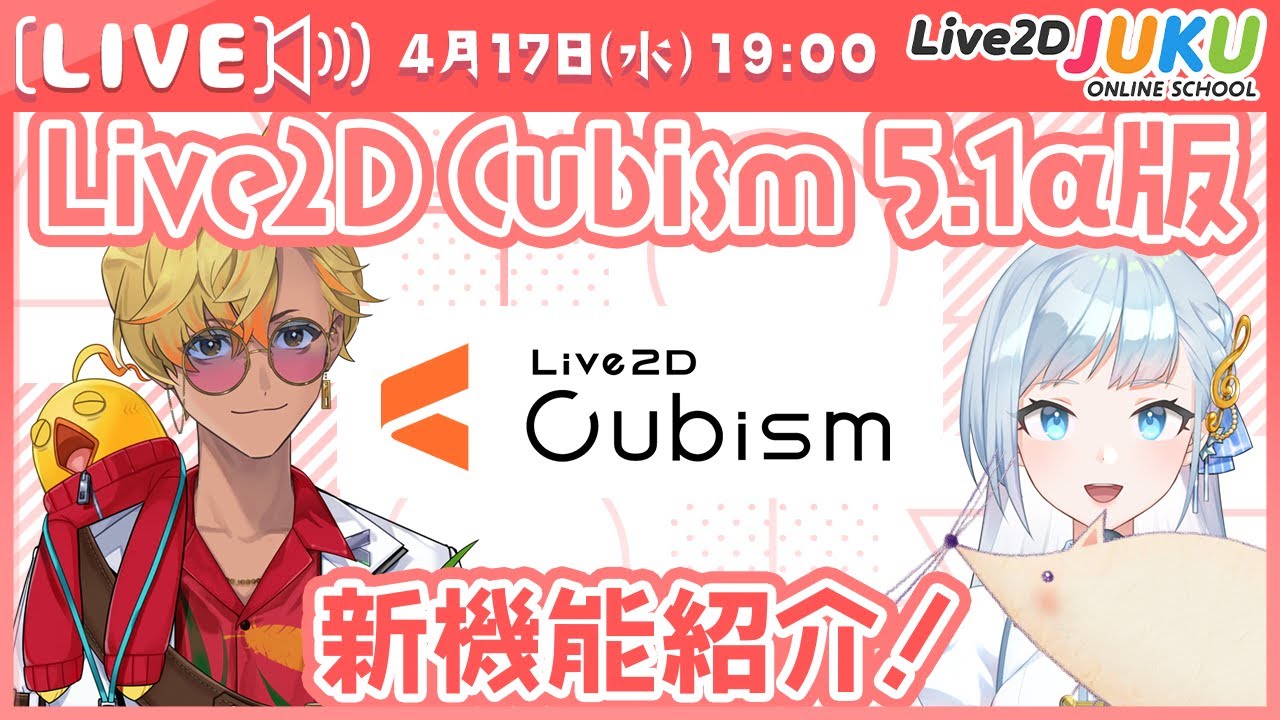
2024.04.17 Live2D Cubism 5.1α版 新機能紹介!【#Live2DJUKU】 #Released to all #Function introduction #Deformer #Swaying #Model template function #Tracking #nizima LIVE
2023.11.21 新機能[顔の動きを自動生成]で効率化!②顔の動きの付け方1~自動でつけた動きと角度Xの調整【#Live2DJUKU】 #Members only #Lesson #With provided data #Function introduction #Time-saving technique #Face angle XY #Motion range #3D effects
2023.11.21 新機能[顔の動きを自動生成]で効率化!①制作手順~顔の動きを付ける前準備【#Live2DJUKU】 #Members only #Lesson #With provided data #Function introduction #Time-saving technique #Locating mesh #Deformer
2023.11.21 新機能[顔の動きを自動生成]で効率化!ダイジェスト【#Live2DJUKU】 #Released to all #Lesson #With provided data #Function introduction #Time-saving technique #Face angle XY #Motion range #3D effects #Clip / Digest
2023.08.04 Ultra Time Saving Techniques for Live2D Modeling #All in English #Members only #Lesson #Level up from a beginner #Function introduction #Time-saving technique
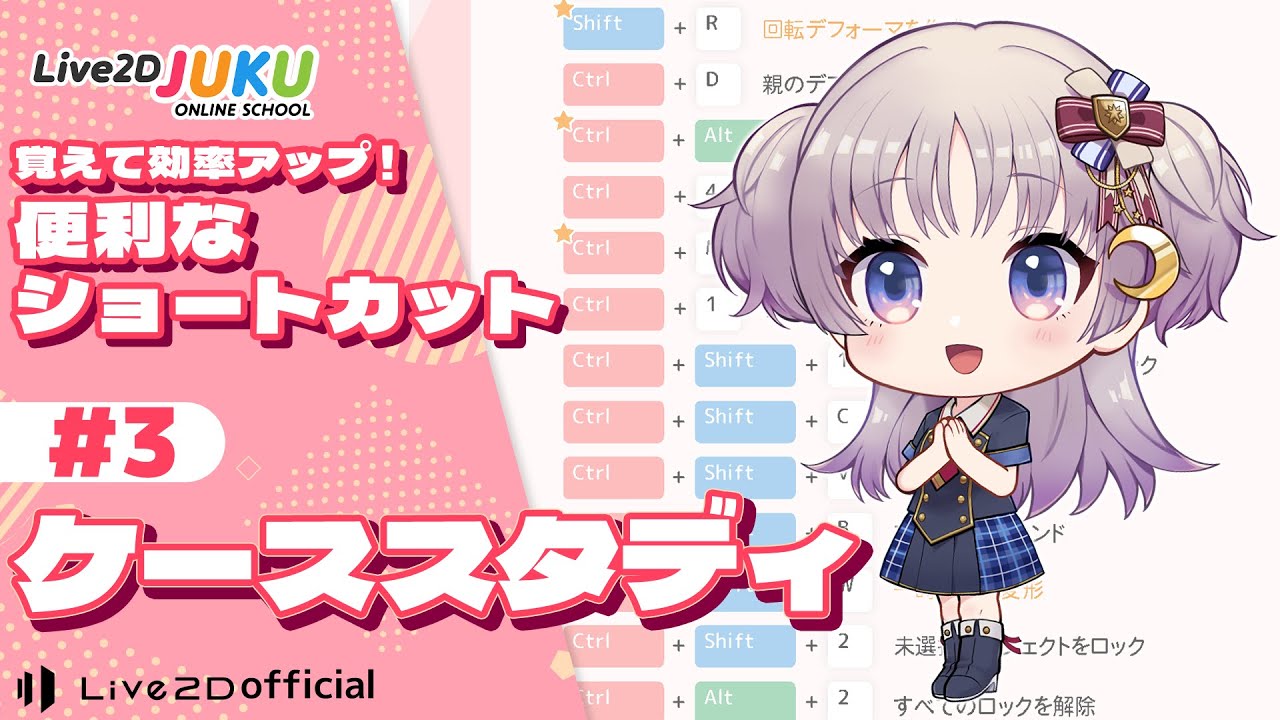
2023.06.16 覚えて効率アップ!便利なショートカット ③ケーススタディ【#Live2DJUKU】 #Members only #Lesson #With provided data #Level up from a beginner #Function introduction #Time-saving technique


![新機能[顔の動きを自動生成]で効率化!②顔の動きの付け方1~自動でつけた動きと角度Xの調整【#Live2DJUKU】](https://img.youtube.com/vi/Bt4GCzcLYOM/maxresdefault.jpg)
![新機能[顔の動きを自動生成]で効率化!①制作手順~顔の動きを付ける前準備【#Live2DJUKU】](https://img.youtube.com/vi/Zkx13-40A9I/maxresdefault.jpg)
![新機能[顔の動きを自動生成]で効率化!ダイジェスト【#Live2DJUKU】](https://img.youtube.com/vi/odKznD_eeo4/maxresdefault.jpg)