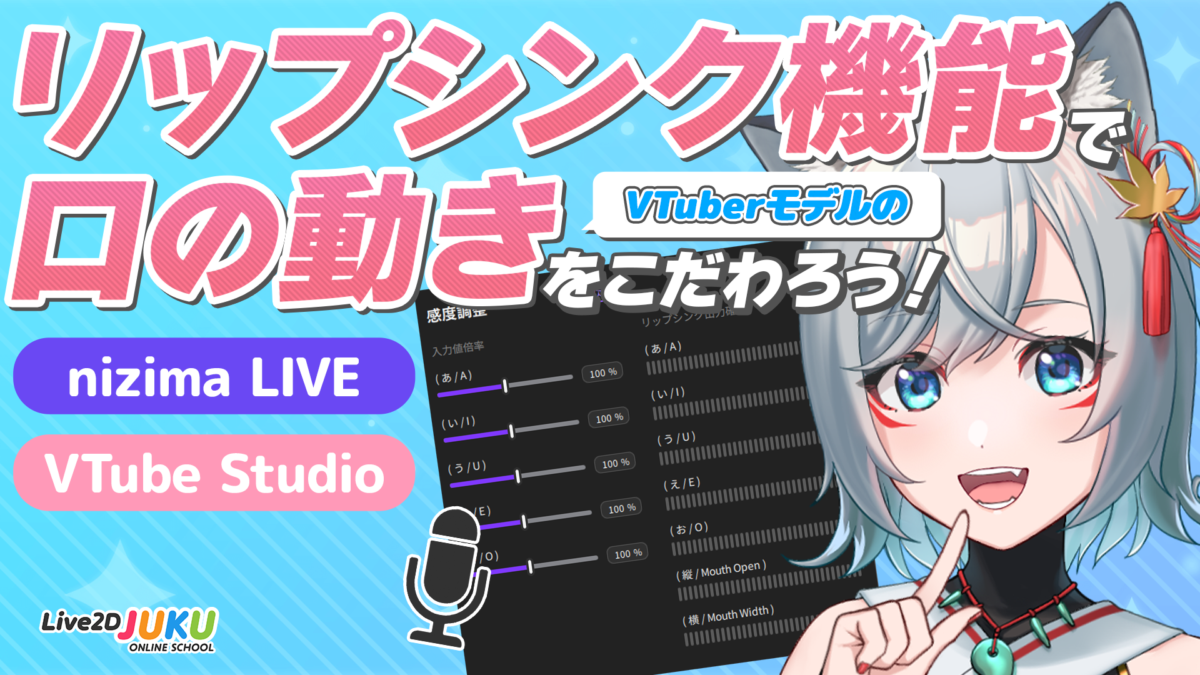
Intermediate VTuber With provided data Use the lip sync function to improve the mouth movements of your VTuber model! #Physics #Perfect-sync #Tracking #nizima LIVE #VTube Studio
Beginner Intermediate VTuber nizima LIVEを徹底解説!VTube Studioとの違いも比較!(EN) #Physics #Motion #Fade in / out settings #Perfect-sync #Hand tracking #Tracking #nizima LIVE #VTube Studio
Beginner Intermediate Advanced VTuber With provided data ケモ耳の魅力的な作り方(EN) #Texture separation #Blend shape #Swaying #Physics #Perfect-sync #nizima LIVE #VTube Studio #Animal ear model
Released to all Beginner VTuber With provided data 初めてでも簡単!VTuberモデルの販売手順(EN) #Function introduction #Motion #Embedded file #nizima LIVE #VTube Studio #Photoshop #After Effects
Beginner Intermediate Advanced VTuber Moving illustration / Animation Game / App Check and correct Updating Regularly Live2D作品添削生配信!(EN) #Live modeling #Time-saving technique #Texture separation #Clipping mask #Draw order #Locating mesh #Placing deformer #Bezier division number #Parameter settings #Key lost #Face angle XY #Deformation path #Blending forms #Glue #Extended Interpolation #Culling #Skinning #Blend shape #Motion range #Going round #3D effects #Swaying #Expressions #Switching #Physics #Motion #Effects #Polygon #Tracking #nizima LIVE #VTube Studio #Photoshop #Male model #Animal model #Animal ear model #Non-human model
Intermediate Advanced VTuber With provided data Let’s try hand tracking with VTube Studio! #Multilingual subtitles #Motion range #Hand tracking #Tracking #VTube Studio
Beginner Intermediate VTuber With provided data How to create models for VTubers #All in English #Blending forms #Glue #Motion range #Going round #3D effects #Swaying #Expressions #Embedded file #Tracking #VTube Studio