2024.05.24 【Live2D Creator’s Talk】VTuberのパパに聞く! #38 ゲスト:かわになさん[後編]【#Live2DJUKU】 #Members only #Creators\' talk #Guest creator #Moving illustration #Animation
2024.05.24 【Live2D Creator’s Talk】VTuberのパパに聞く! #38 ゲスト:かわになさん[前編]【#Live2DJUKU】 #Released to all #Creators\' talk #Guest creator
2024.05.20 【第38回 Live2D作品添削生配信!】初心者さんに知ってほしい!モデリングの注意点【#Live2DJUKU】 #Members only #Check and correct #Level up from a beginner #Deformer #Parameter #Key lost
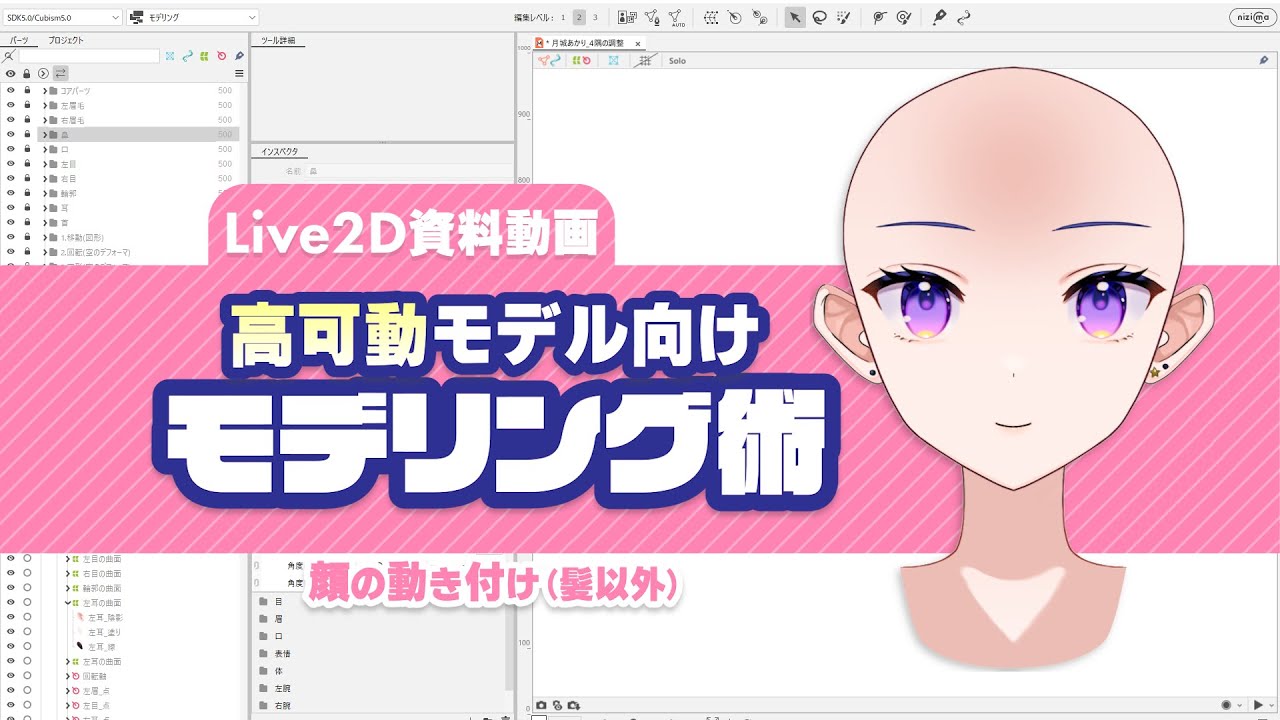
2024.05.16 高可動のYをつくってみよう 補講 調整の様子と手順の解説 【#Live2DJUKU】 #Members only #Lesson #With provided data #VTuber #Face angle XY #Glue #Extended Interpolation #Blend shape #Motion range #Going round #3D effects
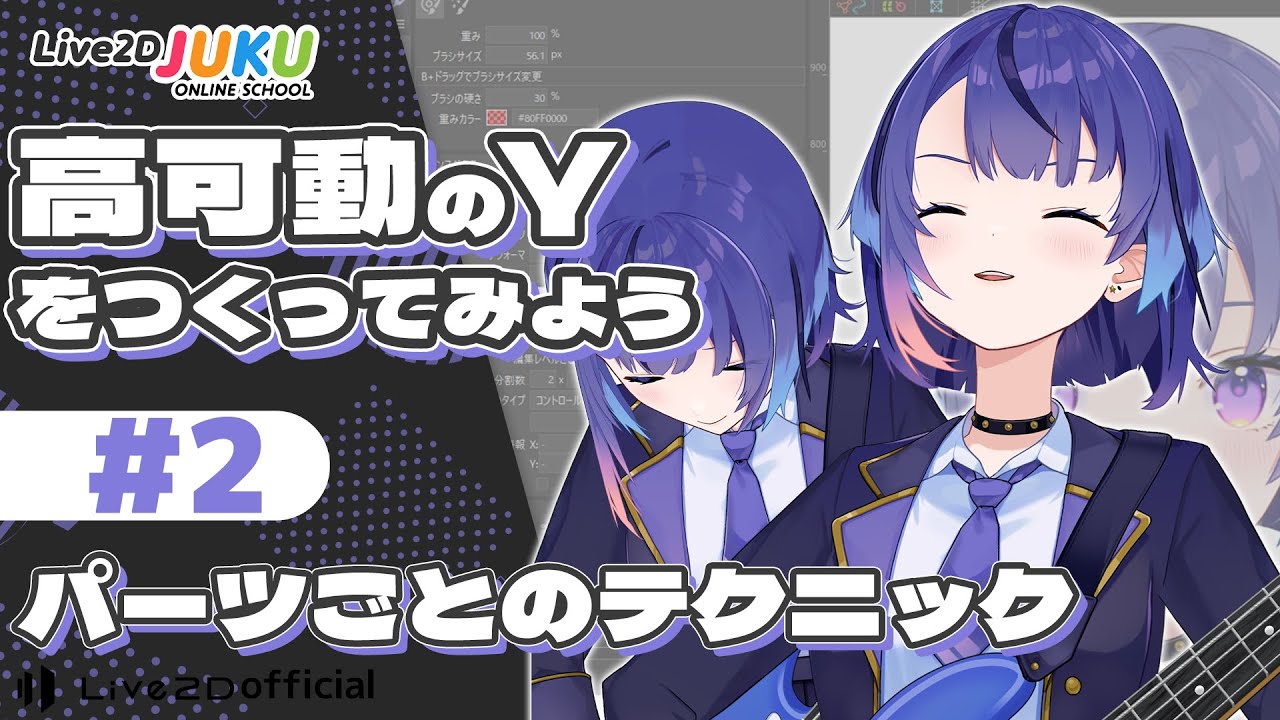
2024.05.16 高可動のYをつくってみよう ②パーツごとのテクニック【#Live2DJUKU】 #Members only #Lesson #With provided data #VTuber #Face angle XY #Glue #Extended Interpolation #Blend shape #Motion range #Going round #3D effects
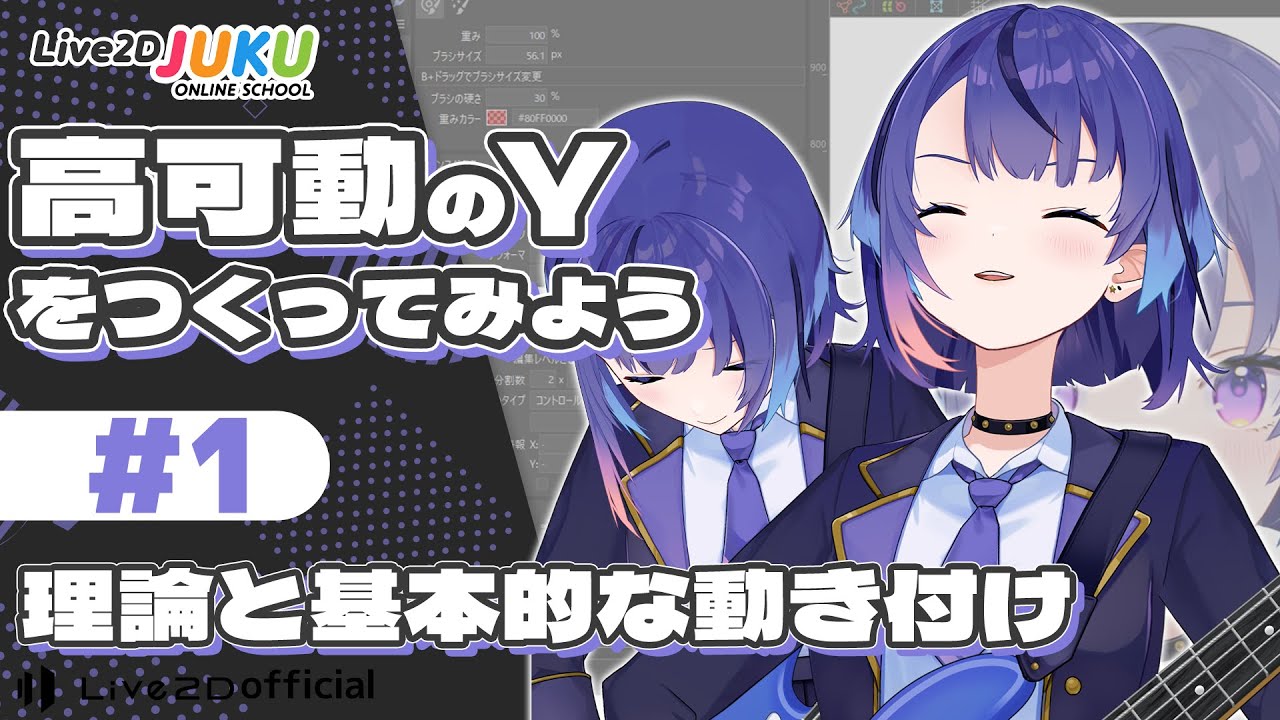
2024.05.16 高可動のYをつくってみよう ①理論と基本的な動き付け【#Live2DJUKU】 #Members only #Lesson #With provided data #VTuber #Face angle XY #Glue #Extended Interpolation #Blend shape #Motion range #Going round #3D effects
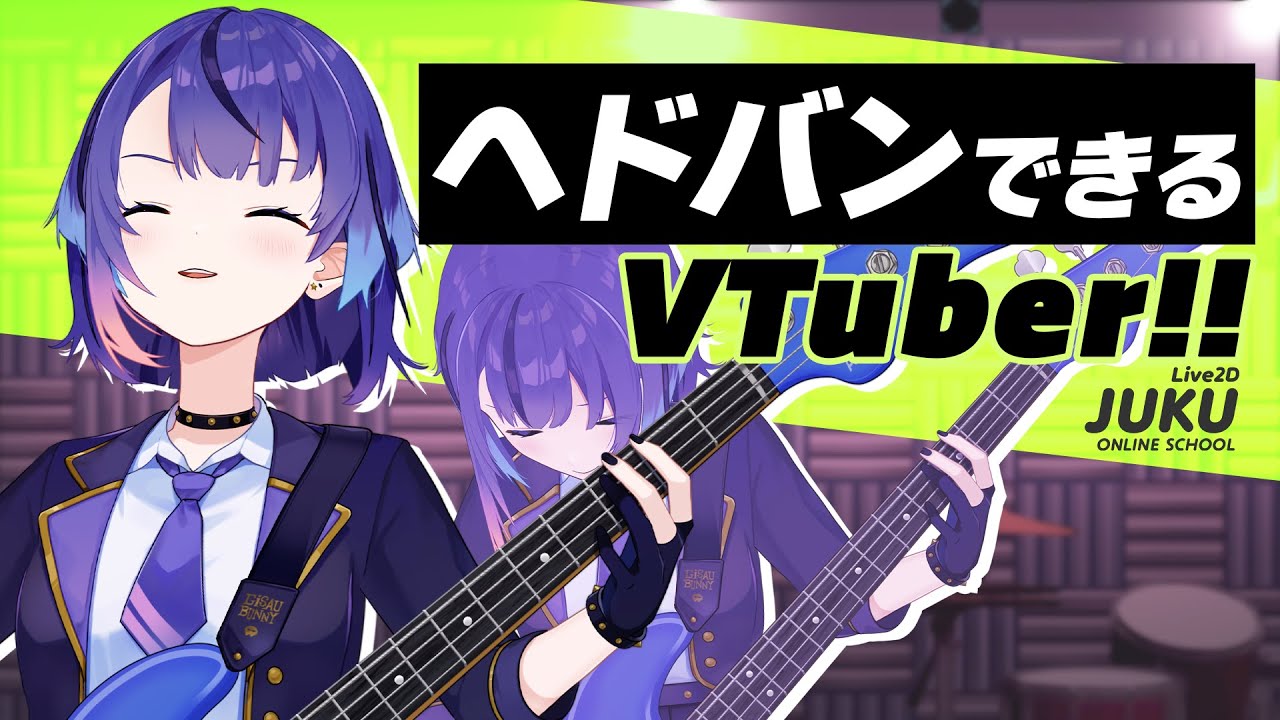
2024.05.16 高可動のYをつくってみよう ダイジェスト【#Live2DJUKU】 #Released to all #Lesson #With provided data #VTuber #Face angle XY #Motion range #Going round #3D effects #Clip / Digest
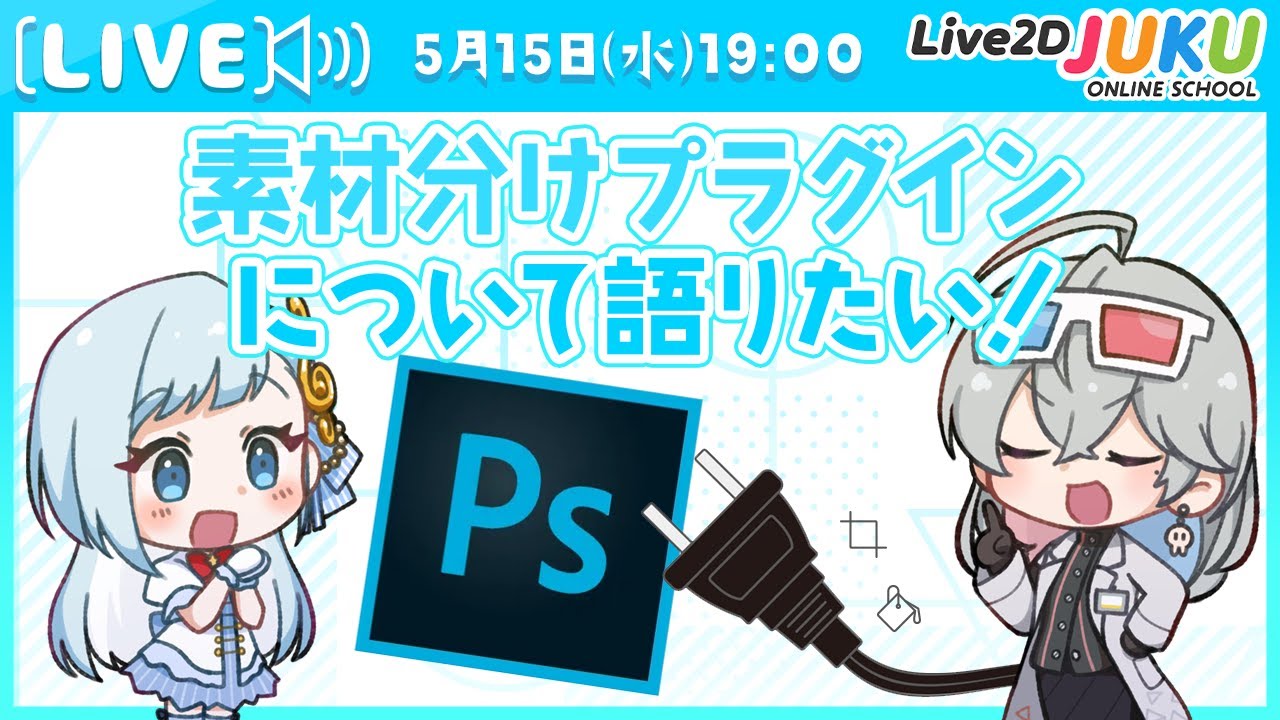
2024.05.15 【Live2D談義】素材分けプラグインについて語りたい!【#Live2DJUKU】 #Members only #Live2D discussion #Texture separation #Photoshop
2024.05.13 【第37回 Live2D作品添削生配信!】斜めの形状はXYに戻って調整!パーツ同士の位置関係を保つ【#Live2DJUKU】 #Members only #Check and correct #Deformer #Bezier division number #Face angle XY #Blend shape

![【Live2D Creator’s Talk】VTuberのパパに聞く! #38 ゲスト:かわになさん[後編]【#Live2DJUKU】](https://img.youtube.com/vi/INXucFen6P0/maxresdefault.jpg)
![【Live2D Creator’s Talk】VTuberのパパに聞く! #38 ゲスト:かわになさん[前編]【#Live2DJUKU】](https://img.youtube.com/vi/KMb4JNufSjg/maxresdefault.jpg)