
This course contains member only contents,
please check the following for
membership subscription.
-

About the distribution data
-

Parameter Description
-

Explanation of VTubeStudio settings
-

Explanation of nizima LIVE settings
-

Key points for mouth shape
-

How to set blendshape weight limits
-

Explanation of physics settings
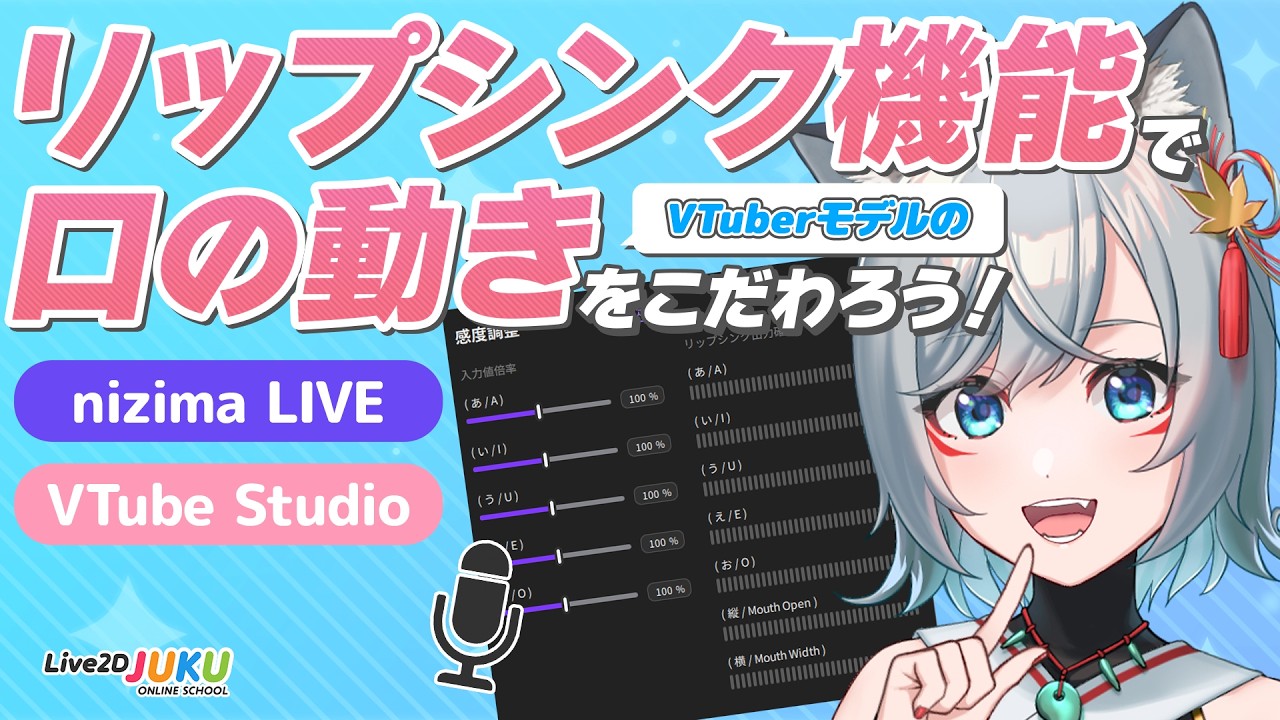
This course explains how to create a model that supports the “lip sync function” that responds to voice and speaks realistically.
We’ll explain in detail how to model a mouth that corresponds to the vowels “aiueo,” how to integrate it with existing tracking mouths, how to configure the tracking software, and even the physics calculations that make the movements look rich.
If you’re interested in singing covers or creating detailed lip movements, be sure to check this out!
The data used in this course can be downloaded from here.
To download, you must log in to the members-only page.
For details on logging in, please see here.
This course is an edited version of a live course delivered on December 1, 2025.
Total 2 videos
-

#1How Lip Sync Works
This chapter explains the mechanism and specifications of lip syncing, as well as tracking software settings.
About the distribution data
Introduction to this model
About lip syncing
Lip syncing features available in the Cubism Editor
Lip syncing features available in tracking software
Explanation of distribution data parameters
Lip syncing settings in tracking software: VTube Studio
Lip syncing settings in tracking software: nizima LIVE🔻Reference videos
How to create long motions: Part 3: Main production【#Live2DJUKU】
🔻Reference tutorials
Let’s create a Perfect Sync compatible VTuber model! -

#2How to create parameters
This chapter explains how to create vowel parameters and physics calculations.
How to create each parameter
How tracking and lip sync coexist and the role of “volume”
How to create the “volume” parameter
How to create parameters for “a,” “i,” “u,” “e,” and “o”
Blend shape weight limit settings ①: Adjusting “volume” and “aiueo”
Blend shape weight limit settings ②: Adjusting the coexistence of “aiueo”
How to create “aiueo” for physics calculations to enhance movement
Physics calculation settings
Release Date2026/03/05