
This course contains member only contents,
please check the following for
membership subscription.
-
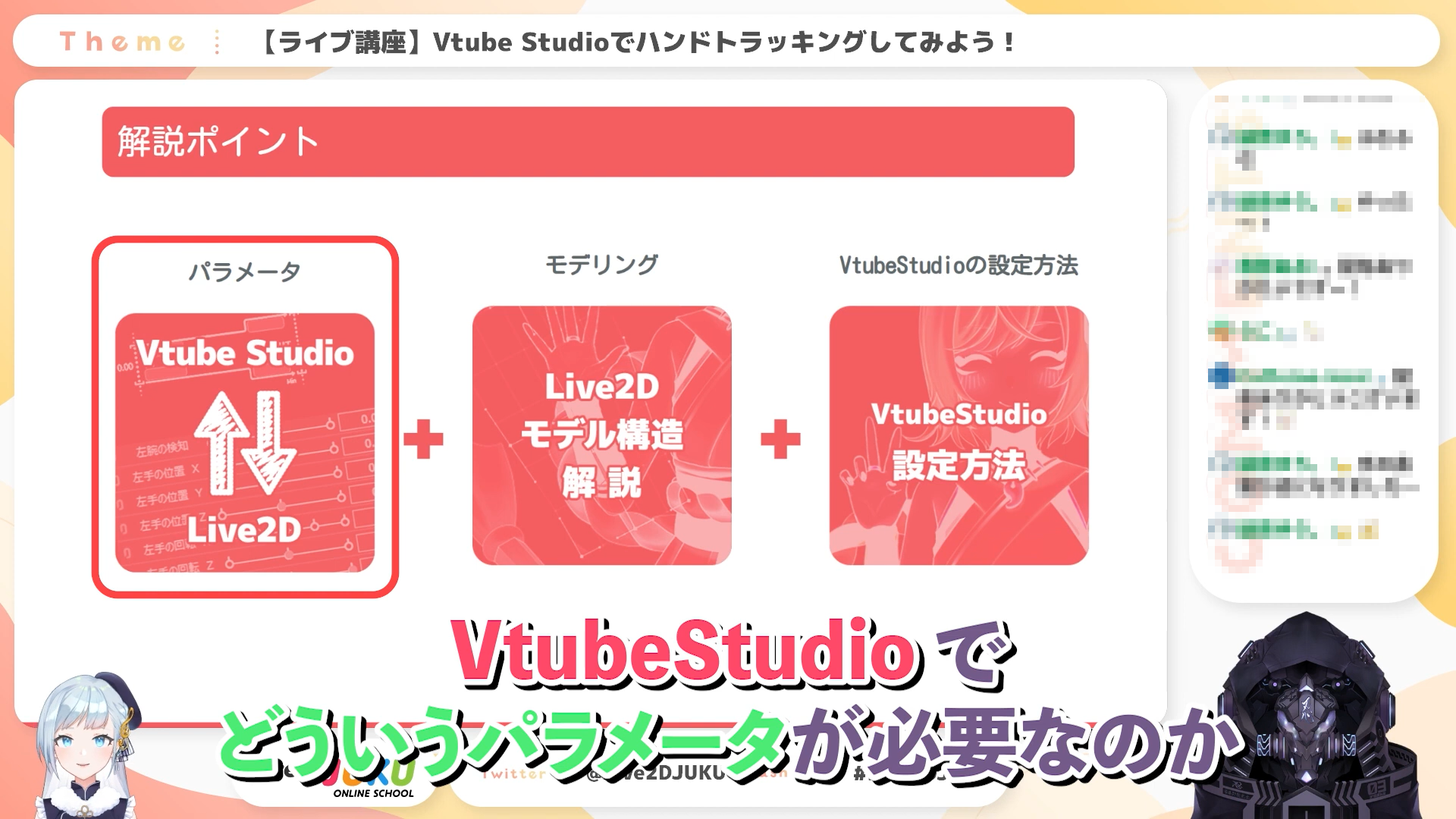
Introduction to the course content
-
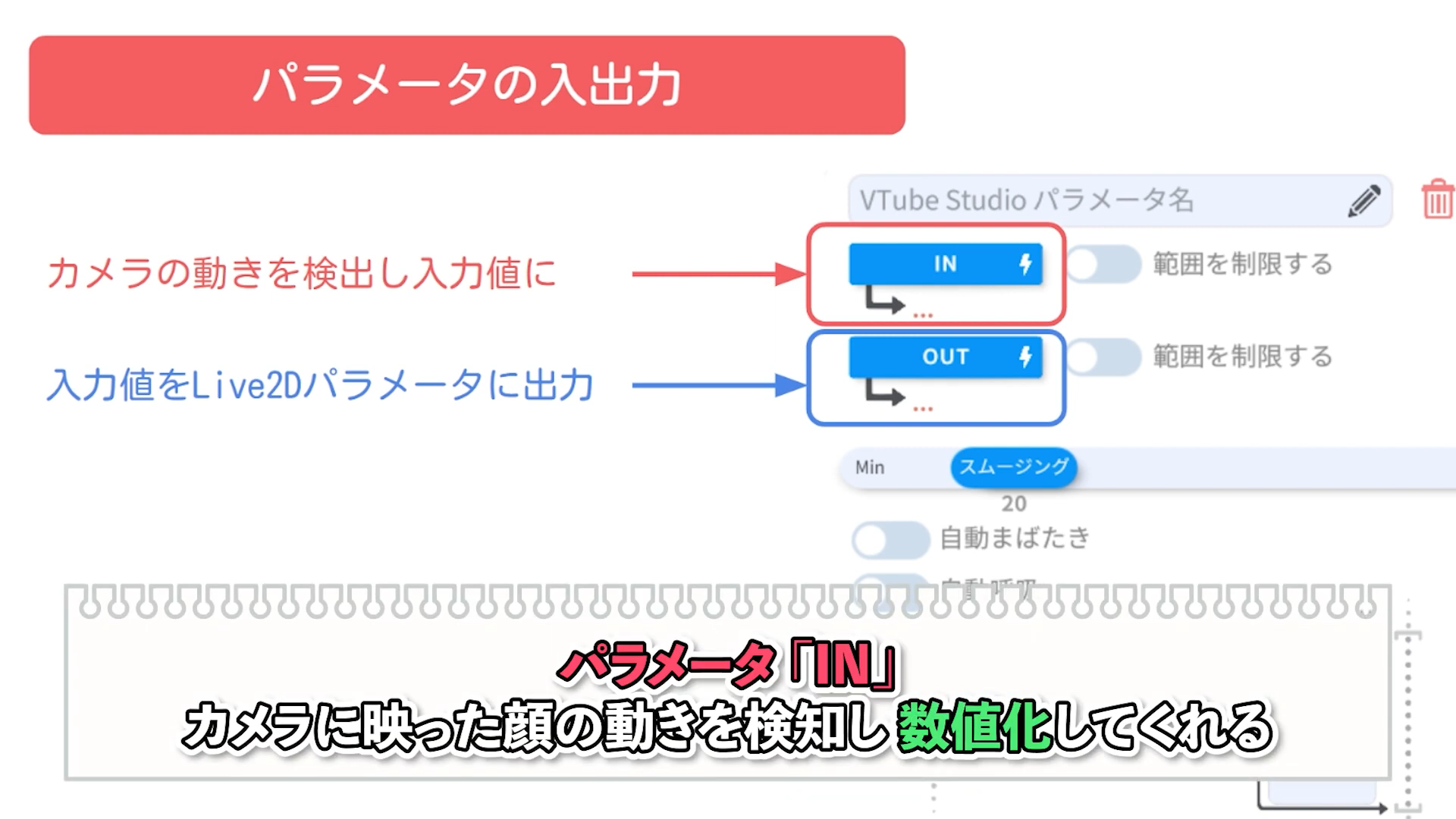
About VTube Studio parameters
-
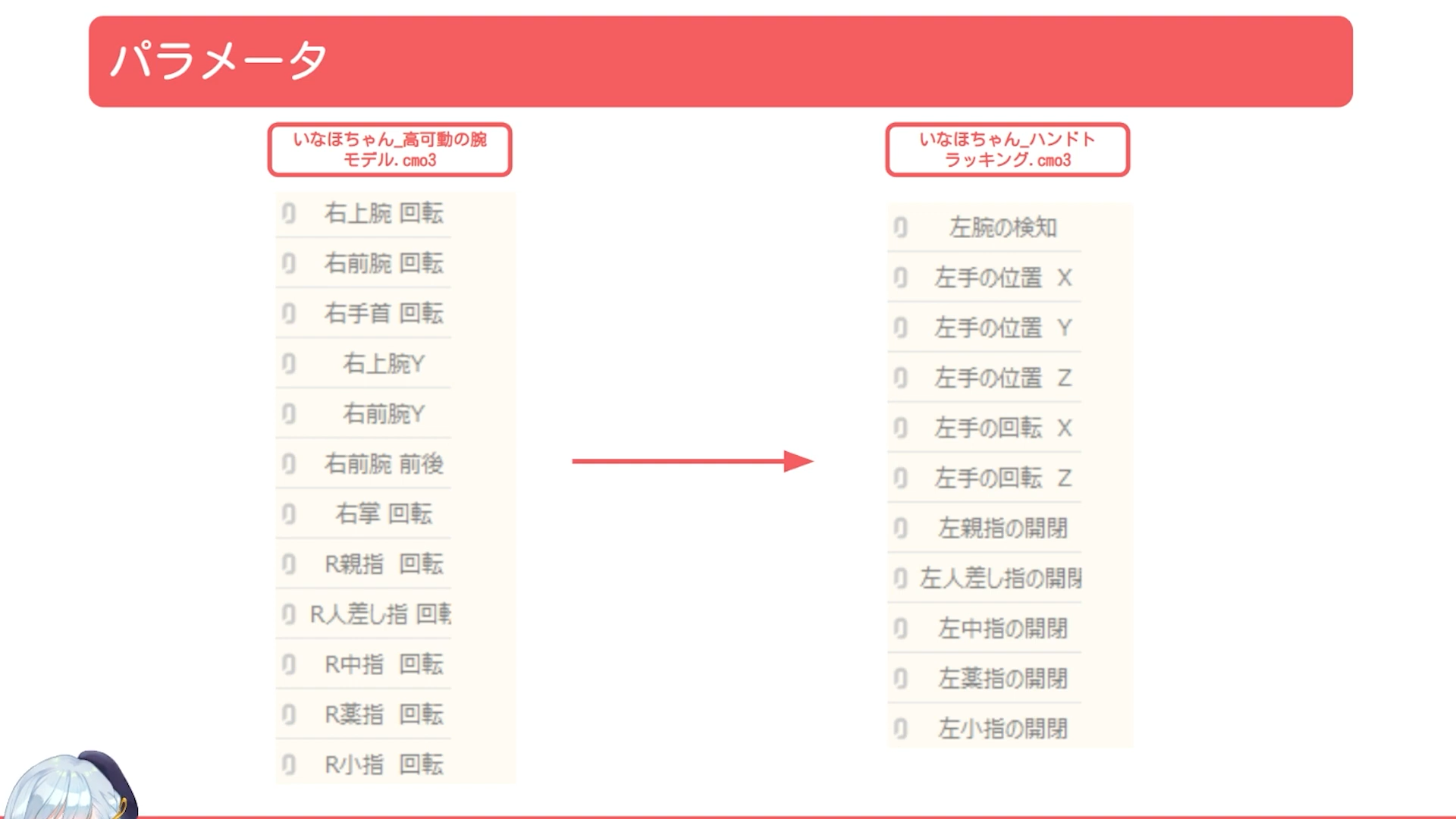
Parameters adjusted for hand tracking
-
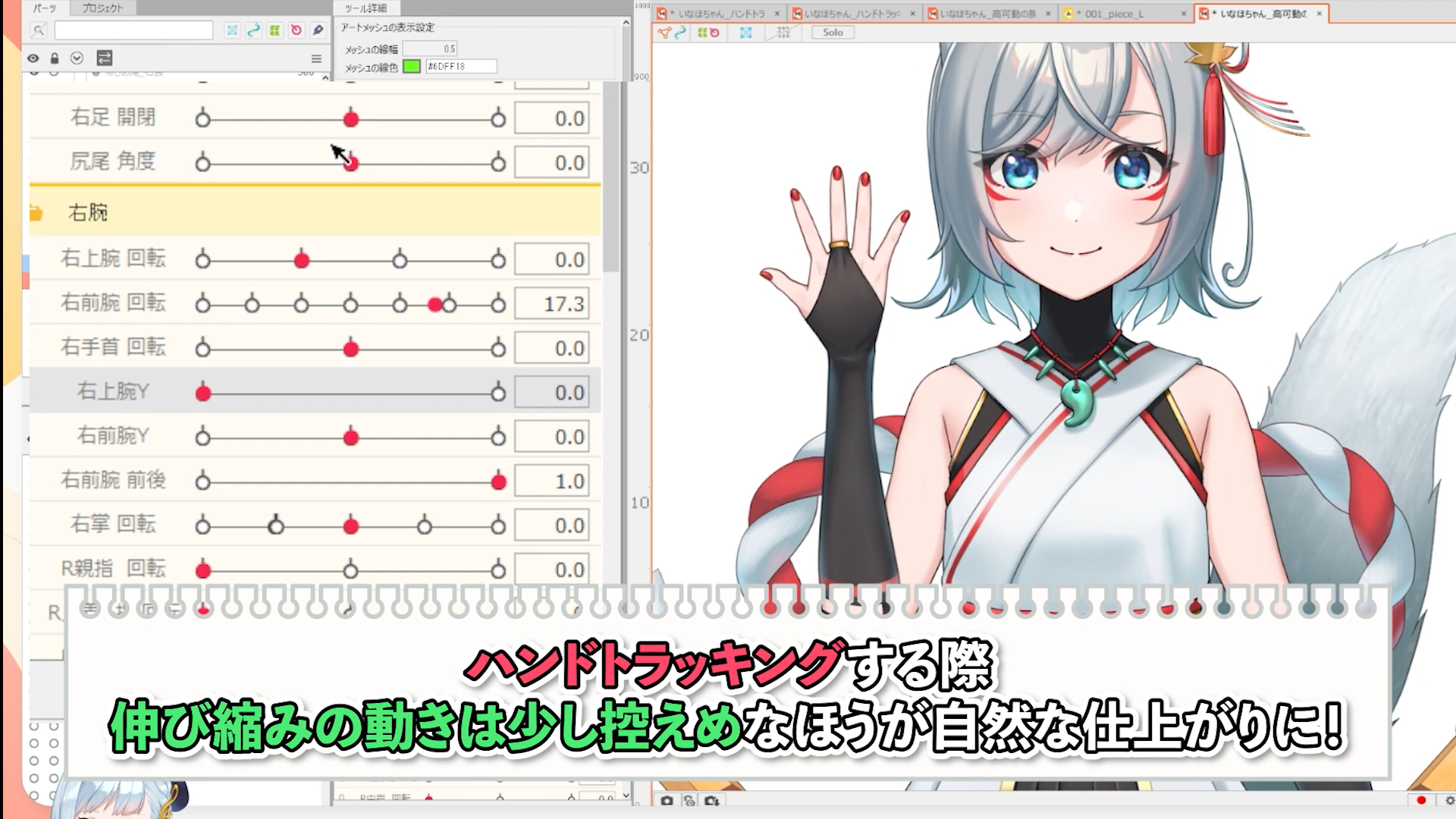
Hand position Y
-
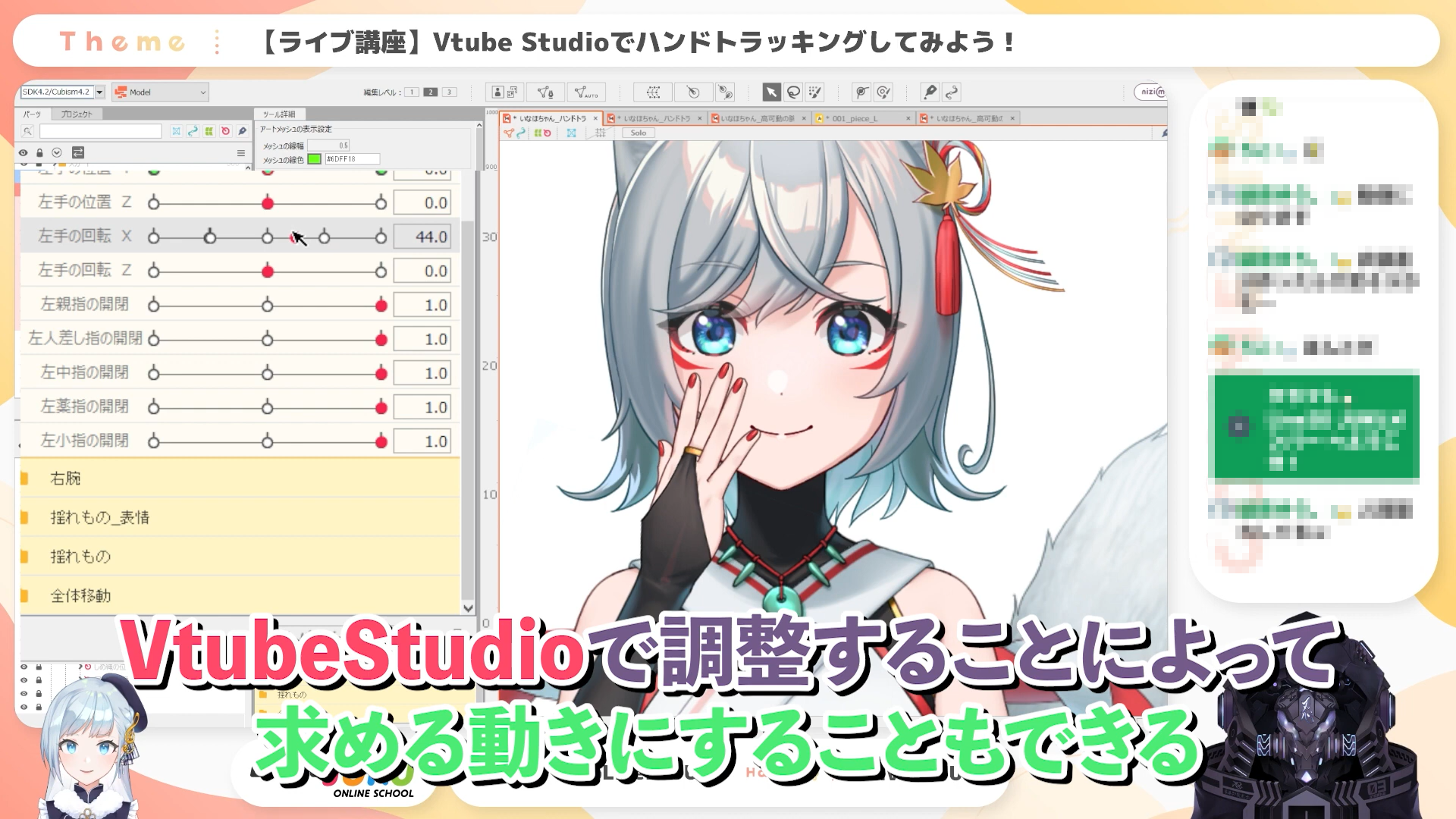
Hand rotation X
-
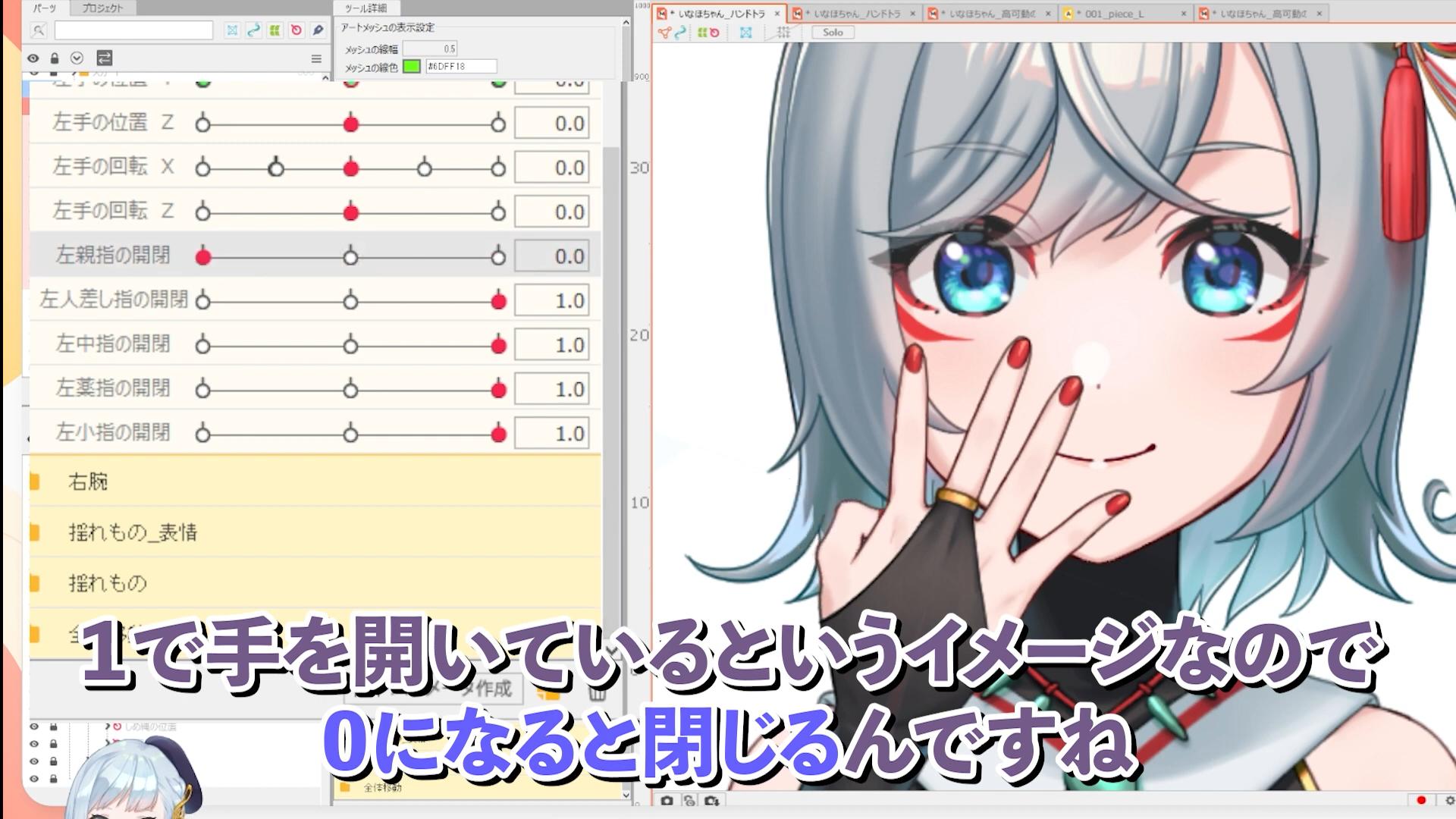
Finger opening and closing
-
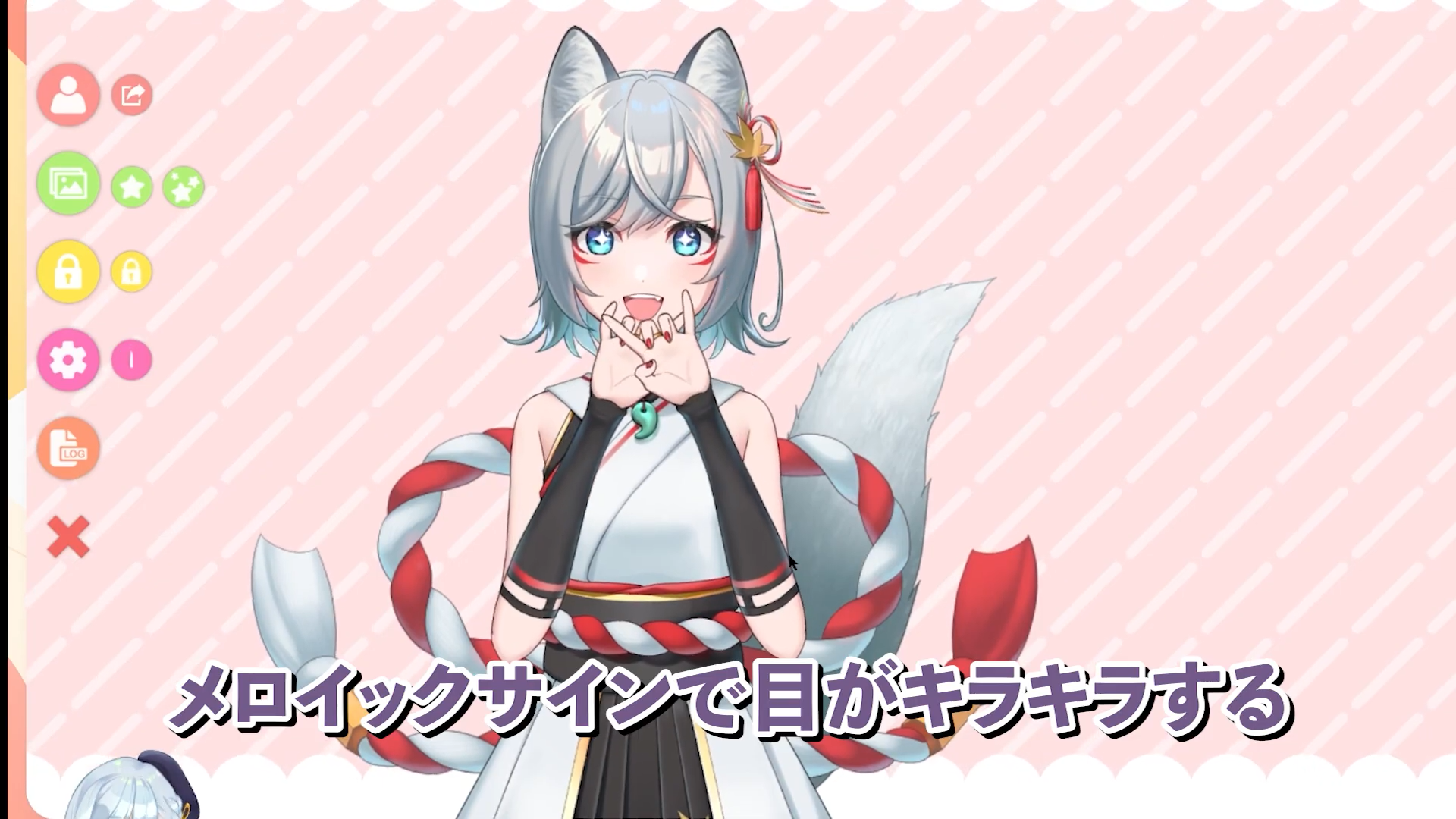
How to change facial expressions with hand gestures
This course will cover how to create models for hand tracking in VtubeStudio.
This is a must-see live course for anyone who wants smooth hand movement with Live2D Vtuber models!
This course is based on the video course “Let’s Make Highly Movable Arms!”
We recommend you to watch from there first.
For more information about the reference course, please visit
Let’s make high-mobility arms!
■Video list of this lecture
#1 About parameters
#2 Modeling
#3 Setting up VtubeStudio
The data used in this lecture can be downloaded from here.
You need to login to the members-only page to download the data. For details about login, please click here.
This is an edited version of the live streaming on 2022.10.03, Let’s try hand tracking with VTube Studio [#Live2DJUKU].
Total 3 videos
-
#1About Parameters
This course explains what parameters are necessary for hand tracking in VTube Studio and how they work with VTube Studio.
Although this is basic information, it is important to understand it before modeling, so be sure to keep it in mind.About hand tracking in VTube Studio
Explanation of distributed data
Course data and course content
About input parameters for hand tracking
How to add parameters via CSVThis course is based on the video course “Let’s Make Highly Movable Arms!”
We recommend you to watch from there first.
For more information about the reference course, please visit
Let’s make high-mobility arms! -
#2modeling
This course explains the differences between the model with hand tracking support and model made in the past course “Let’s make high-mobility arms!”.
You will learn what to keep in mind when creating models for VTube Studio specifications.Distribution Model Specifications
About Mirroring
Detecting Arms
Hand Position X
Hand Position Y
Hand Position Z
Hand Rotation X
Hand Rotation Z
Opening and Closing FingersThis course is based on the video course “Let’s Make Highly Movable Arms!”
We recommend you to watch from there first.
For more information about the reference course, please visit
Let’s make high-mobility arms! -
#3Setting up VtubeStudio
This course explains how to set up your model for smooth hand tracking in VTube Studio.
As an added bonus, we also explains how to use hand gestures to change facial expressions.About the settings of each parameter
How to change facial expressions with hand gesturesThis course is based on the video course “Let’s Make Highly Movable Arms!”
We recommend you to watch from there first.
For more information about the reference course, please visit
Let’s make high-mobility arms!
Release Date2022/11/07