

This course contains member only contents,
please check the following for
membership subscription.
-

Models can be controlled in accordance with tracked movements, random timing, etc.
-

Distribution data that can be used by copying and pasting where necessary
-

Explanation from the basics of script
In this course, we will talk about how to script in nizima LIVE to control motion.
You will be able to use tracking inputs, timers to play back motions, and other unconventional control methods.
If you are interested in scripting, please refer to this chapter!
This chapter provides an overview of the course and the basics of scripting.
The data used in this course can be downloaded from here.
You need to login to the members-only page to download. For details about login, please click here.
This course is an edited version of the live course delivered on 2025/5/02.
Total 4 videos
-
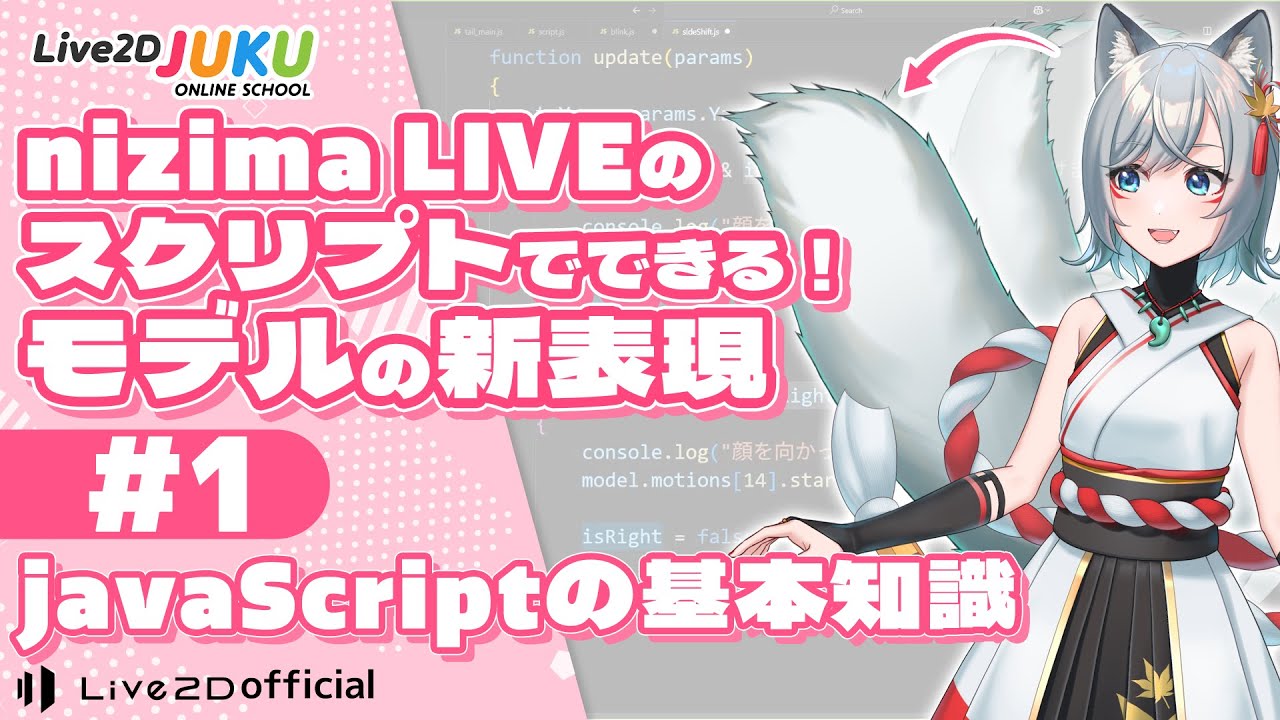
#1Basic Knowledge of JAVASCRIPT
This section provides an overview of the course and the basics of scripting.
What is scripting
What are variables
What are functions
Logic -
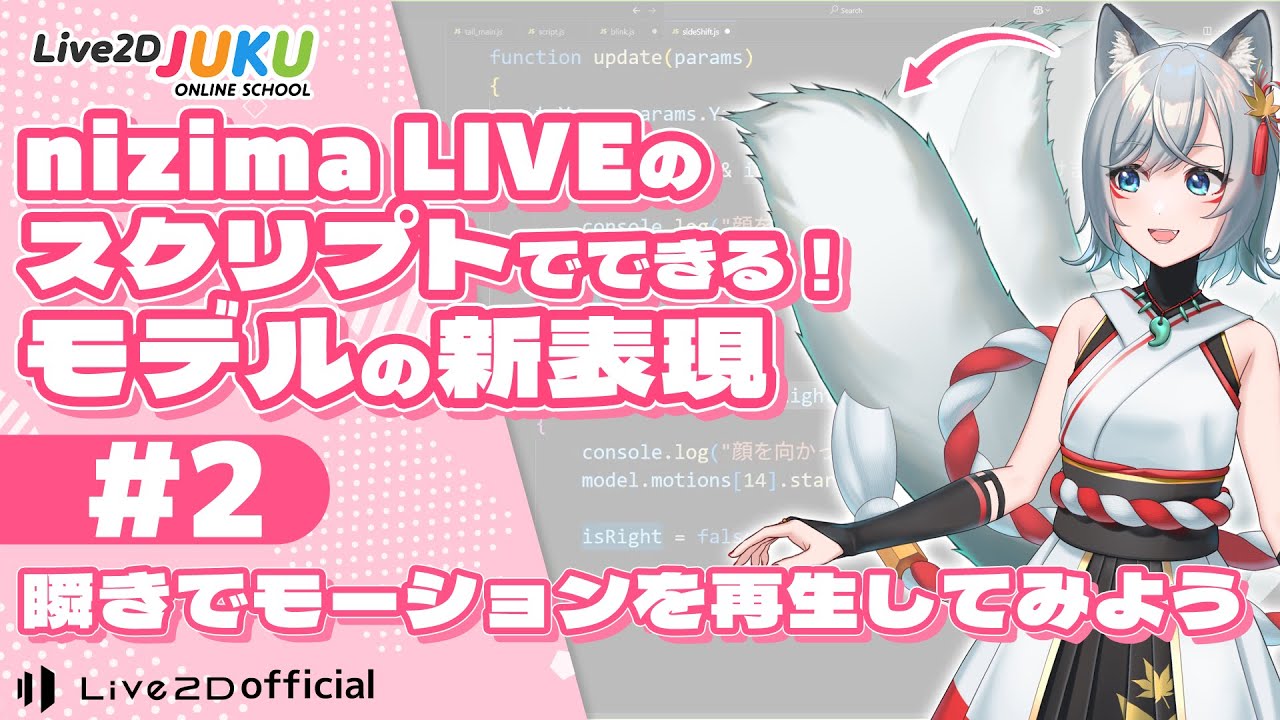
#2Playing Motion with a Blink
This section explains how to write a script that plays motion with a blink.
Script to Play Motion with a Blink
Code Design
Declaring Variables
Using Official Reference
update() Function
The Scope of Variable
Defining Function
Object -
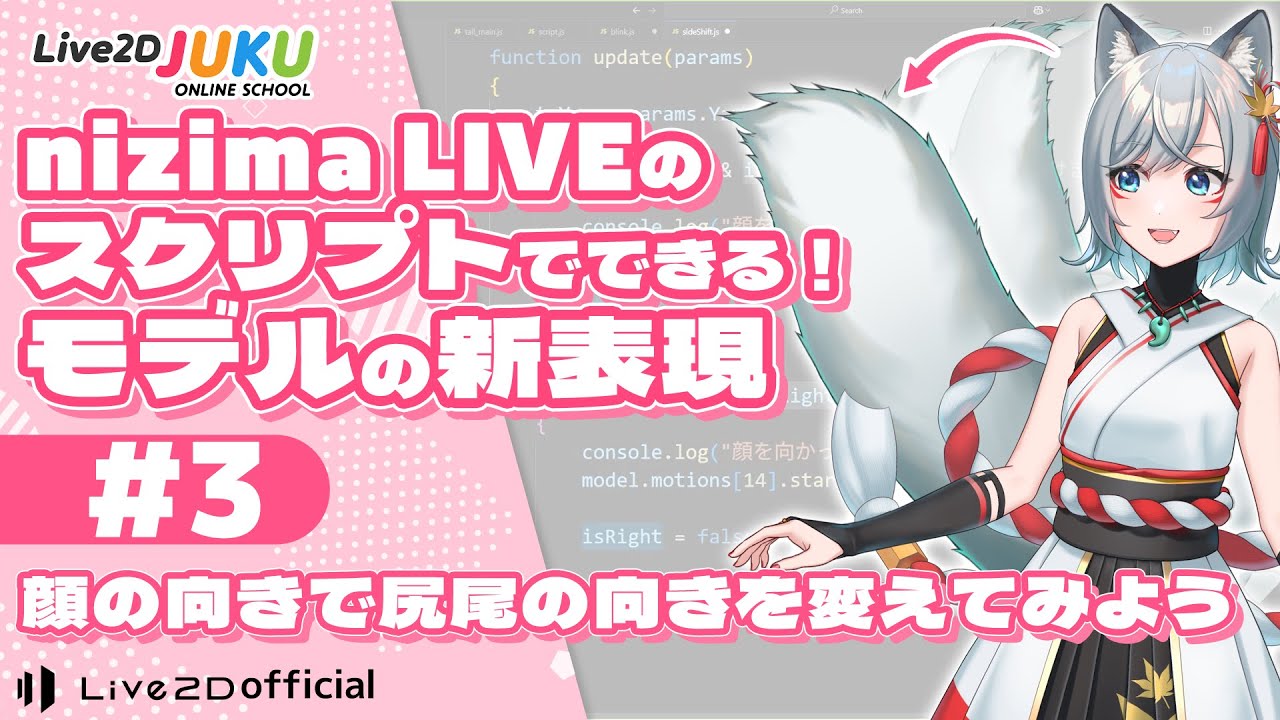
#3Let's change the direction of the tail with face tracking.
This section explains how to write a script to change the direction of the tail by face tracking.
Script to change the orientation of the tail
First conditional expression: tracking face orientation
Second conditional expression: model tail orientation
Update variable when tail orientation changes
! Mark to invert boolean
Play motion according to tail orientation
Index management is key -
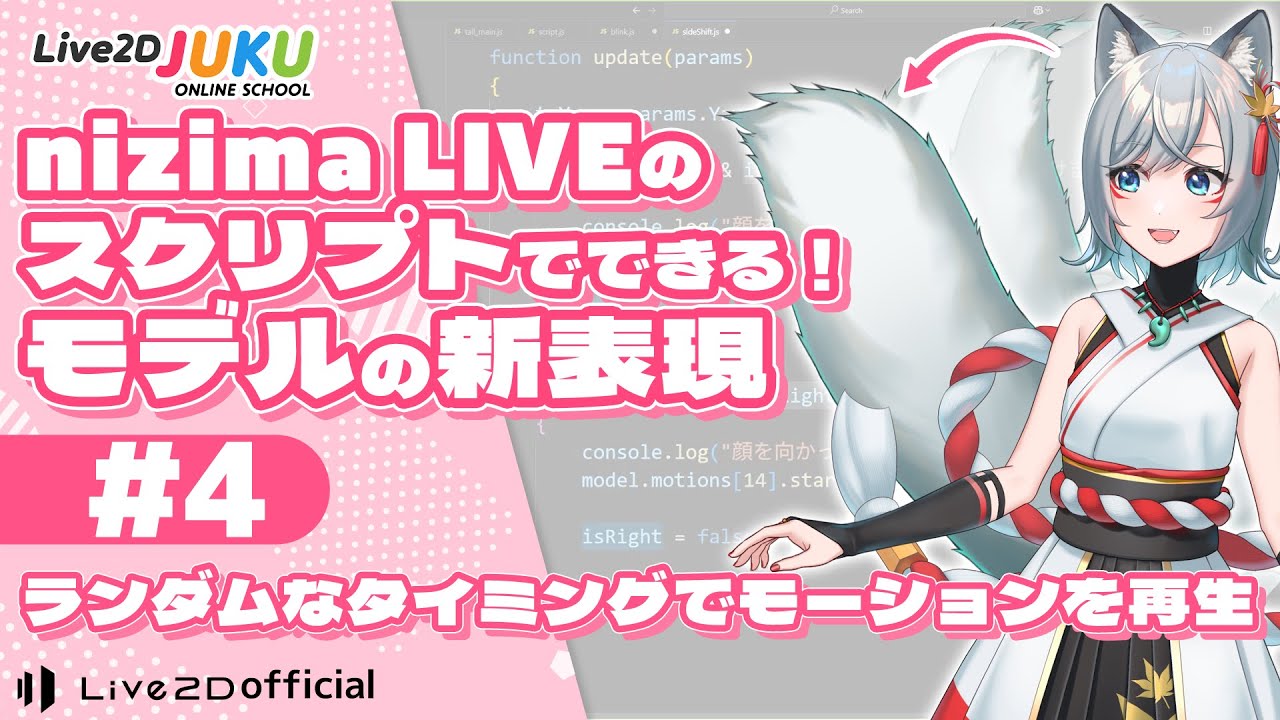
#4Let the motion play at random timing.
This section explains how to write scripts that play motions at random timing.
Script to play motion at random seconds
Frame Timer
Function to return a random number within a specified range
Update startTime variable
Release Date2025/10/02