
-

Introducing how to create a simple VTuber model
-
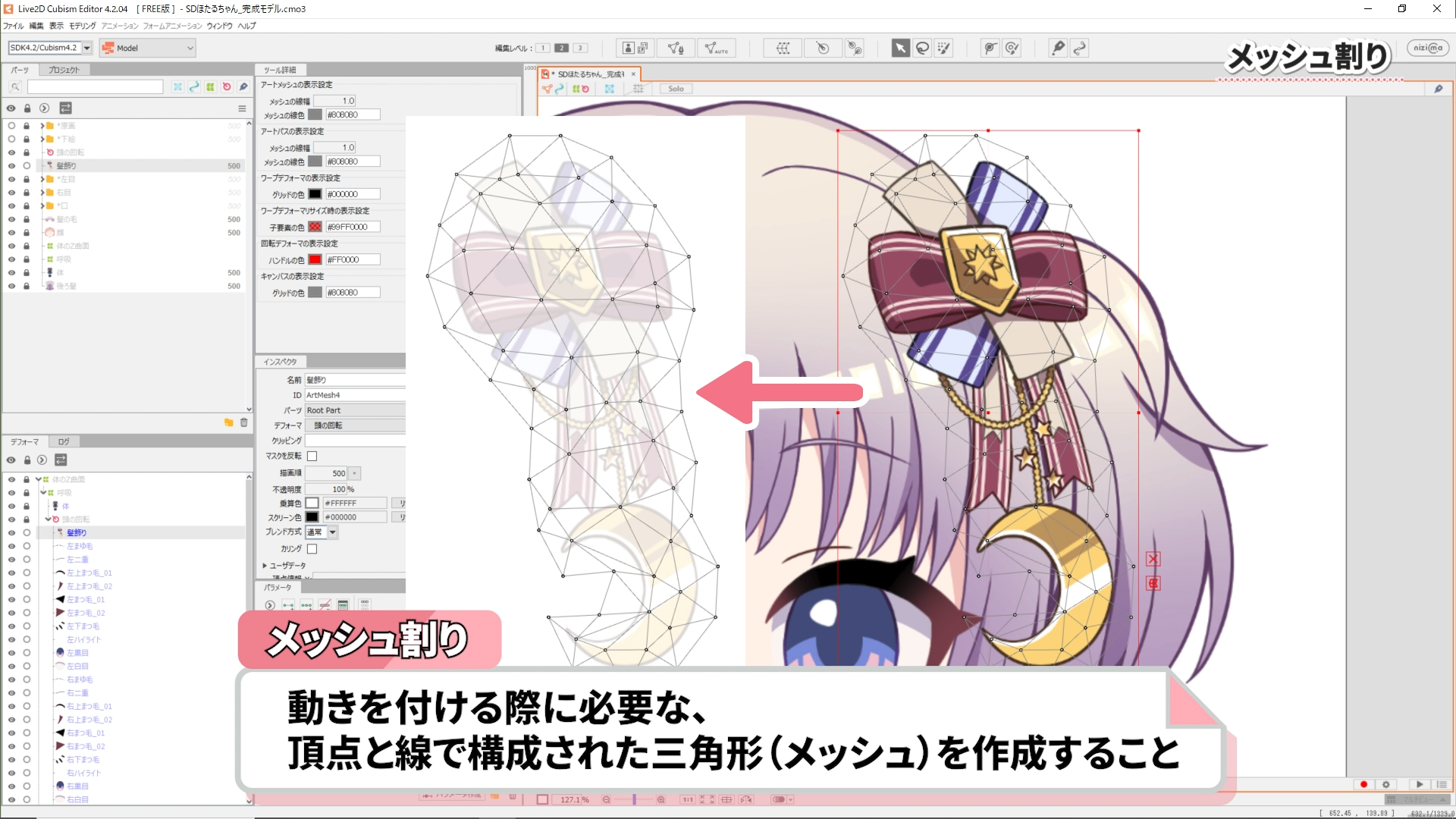
Explaining the basics of Live2D
-
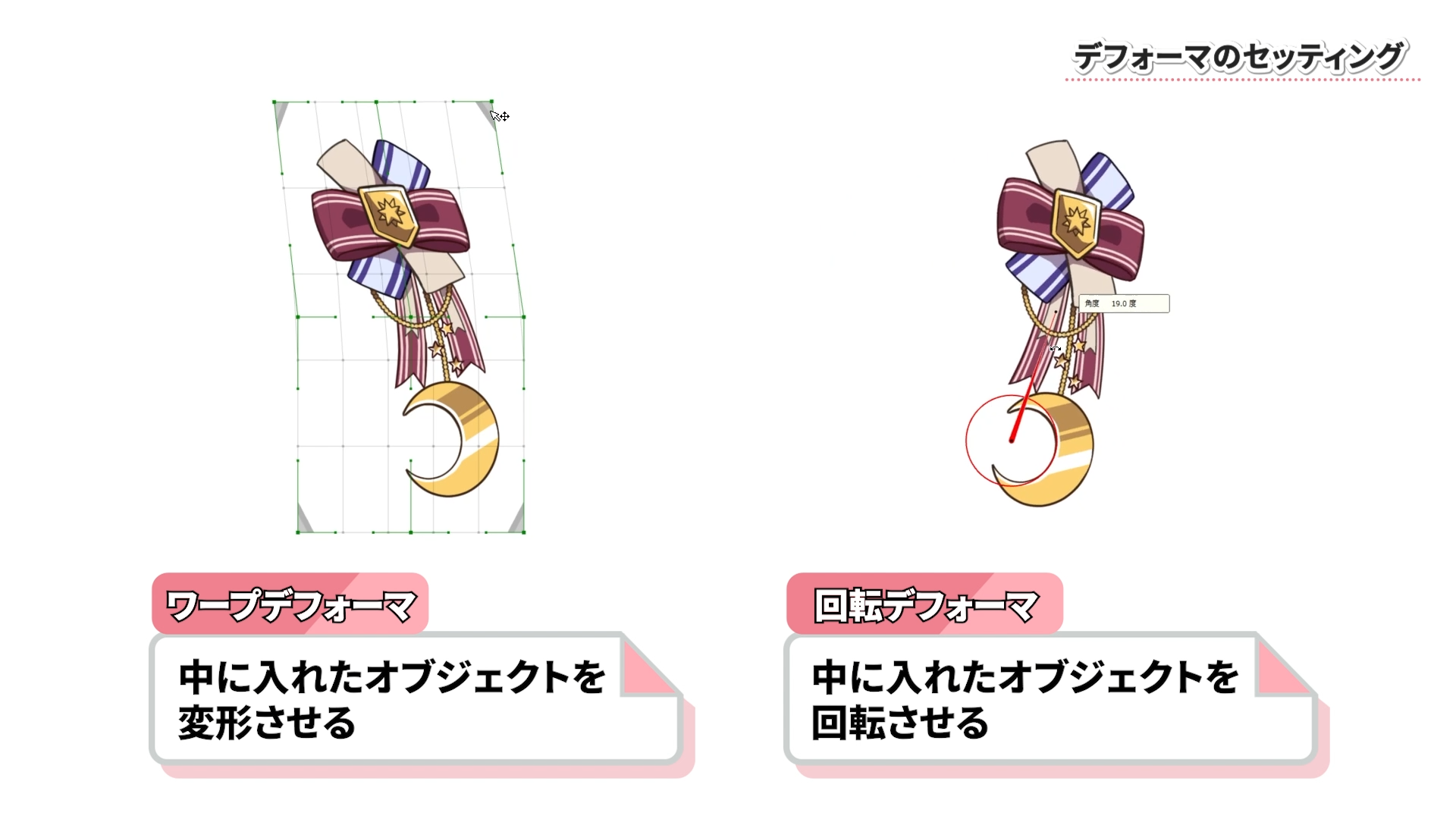
What is a Deformer?
-
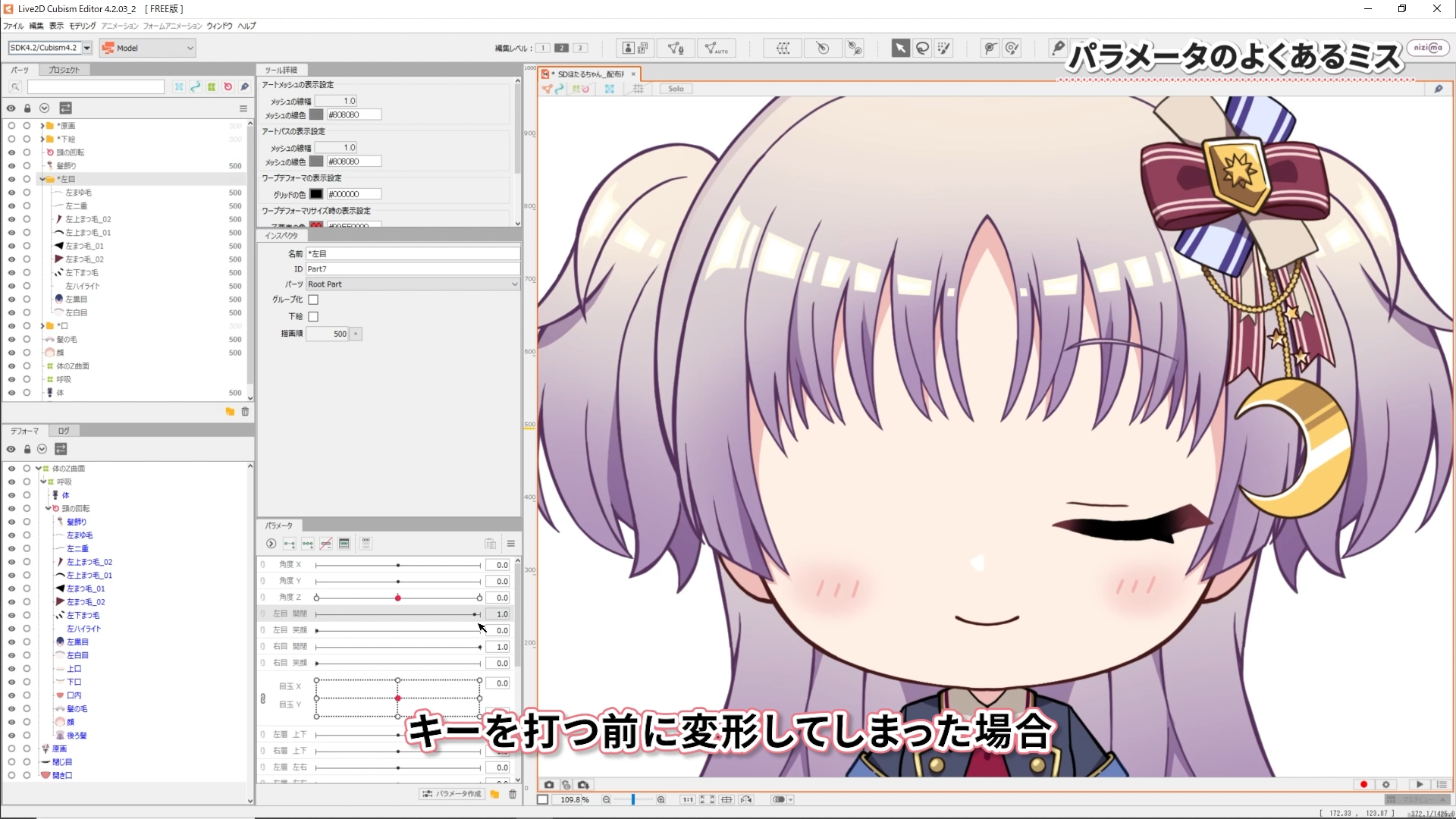
Common mistakes and solutions
-
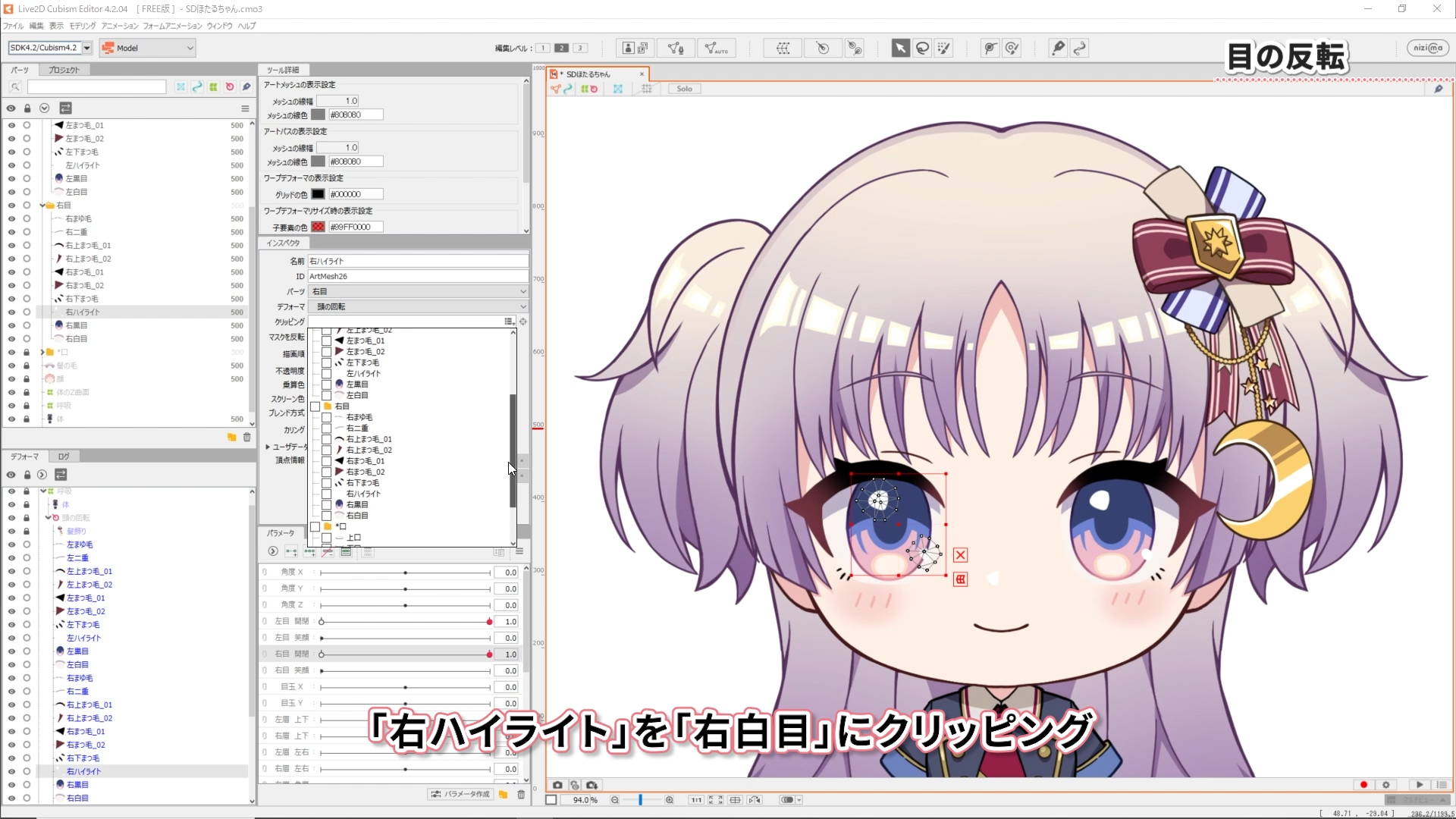
How to model eyes by duplicate and invert one eye
-
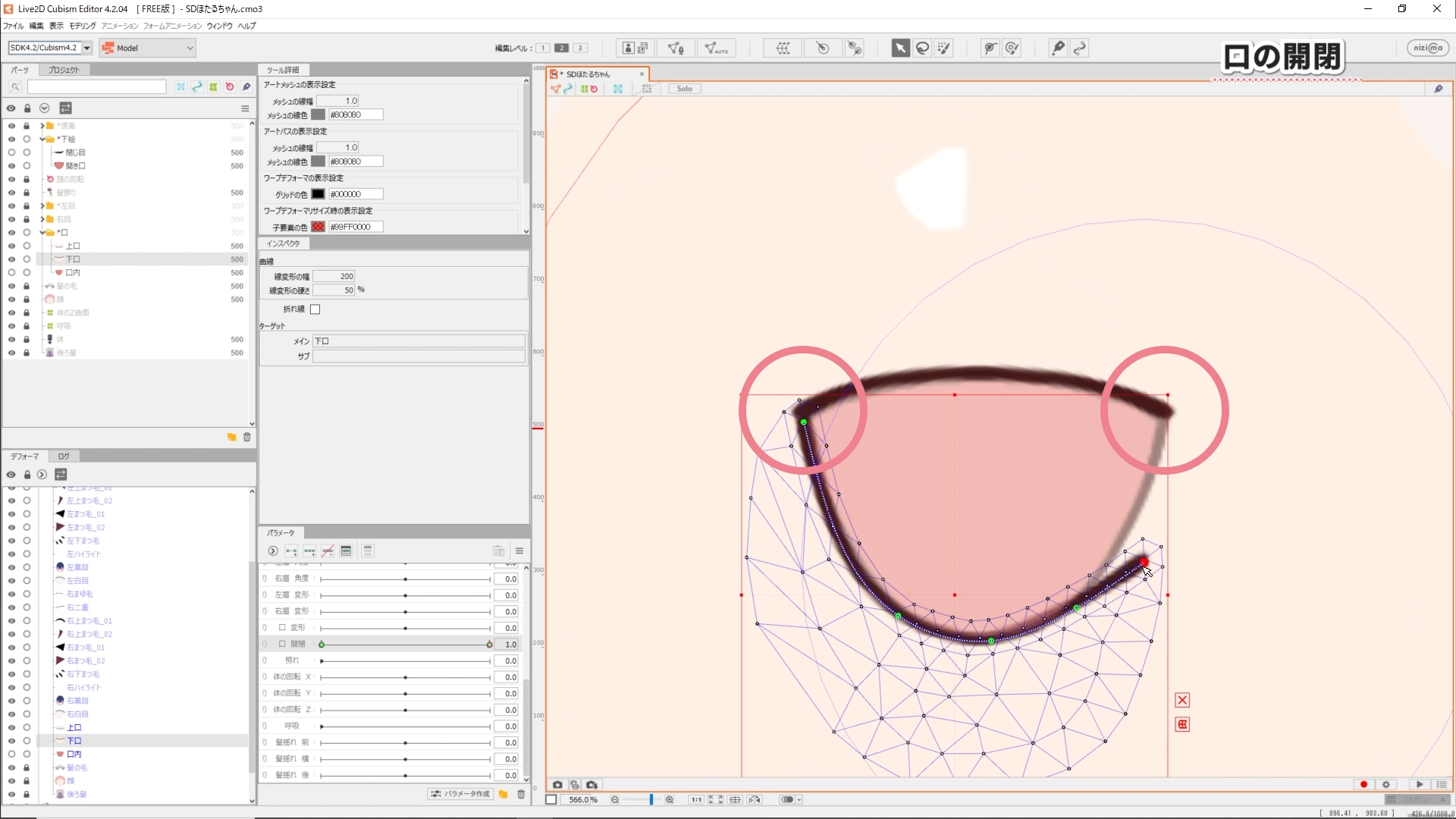
Opening and closing the mouth
-
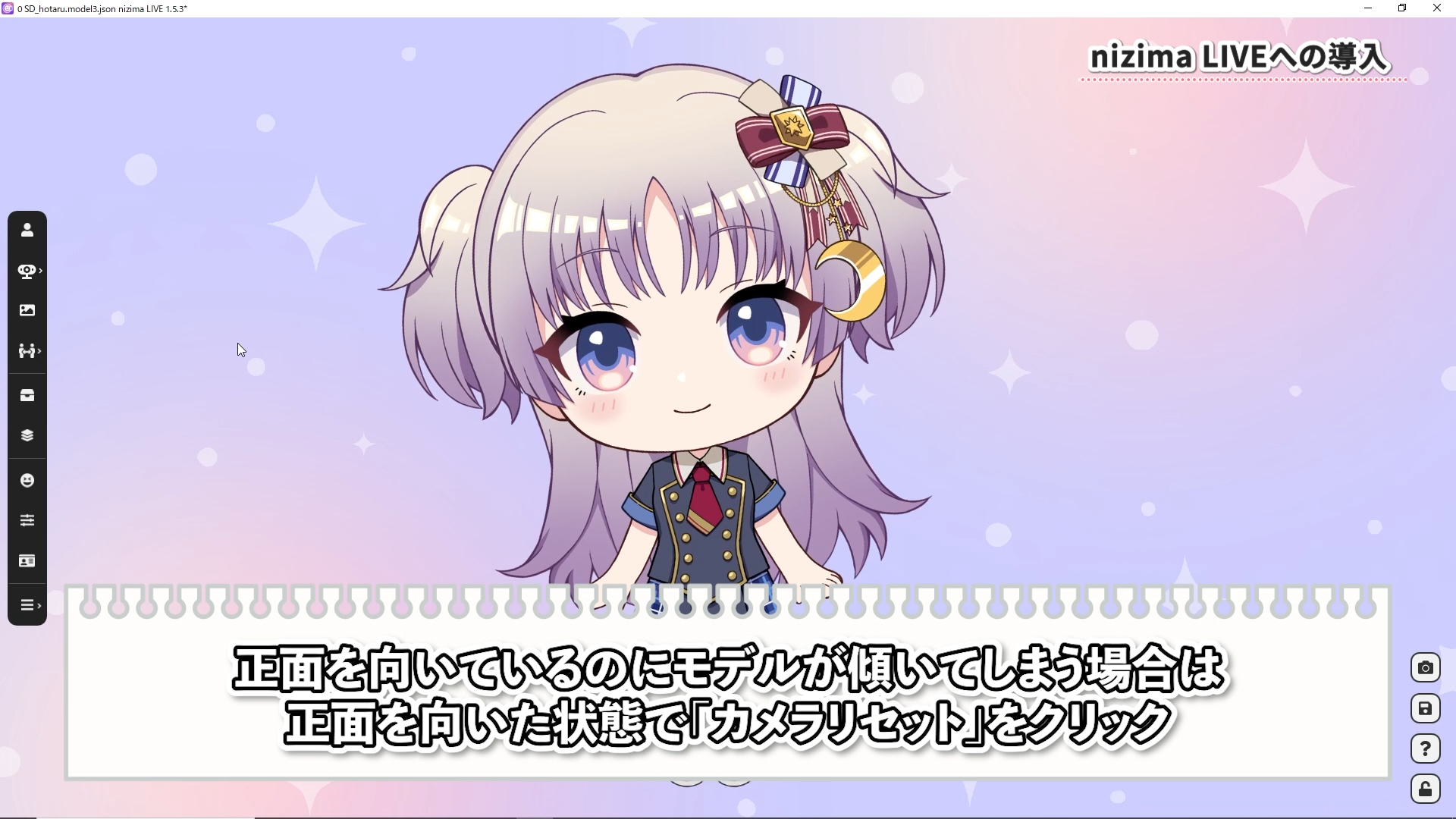
How to set up nizima LIVE
In this course we will going to learn how to create a simple VTuber model in just one day, even if you’ve never used Live2D before.
It’s designed to give you a rough introduction to the basics of Live2D.
This model can be created using the free version, so please give it a try!
We’ll also provide the illustration data used in the course, as well as the completed model data, so even those without experience can easily get started.
■Software and Data Used in the Course
The data used in #1 can be downloaded from here.
The data used in #2 can be downloaded from here.
Total 2 videos
-

#1For absolute beginners! How to create a VTuber model right now
In this course we will going to learn how to create a simple VTuber model in just one day, even if you’ve never used Live2D before.
It’s designed to give you a rough introduction to the basics of Live2D.This model can be created using the free version, so please give it a try!
Differences between the trial and free versions
About the data used
Mesh topologies
Deformer settings
Blinking
Common parameter mistakes
Eye inversion
Pupil XY
Mouth opening and closing
Face and body angle Z
Breathing
Texture atlas
Export for nizima LIVE -

#2For absolute beginners! How to create a VTuber model right now! ~Facial Rigging~
In this tutorial, we’ll show you how to easily create XY facial angles, even for beginners who have never used Live2D.
XY facial angles refer to moving a character’s face on the X axis (horizontal) and Y axis (vertical).Differences between the trial and free versions
About the data used
Review of the previous tutorial
Launch Live2D
Deformer settings
Facial angle X
Facial movement
Eye and eyebrow movement
Mouth movement
Hair and body movement
Motion Mirroring
Facial angle Y
Facial movement
Eye and eyebrow movement
Mouth movement
Hair and body movement
Moving the movement
Moving the movement and automatically generating the four corners
Export for nizima LIVE
Introduction to the JUKU course
Release Date2023/09/01