

This course contains member only contents,
please check the following for
membership subscription.
-
Lecture Series "How to Create Effects"
-
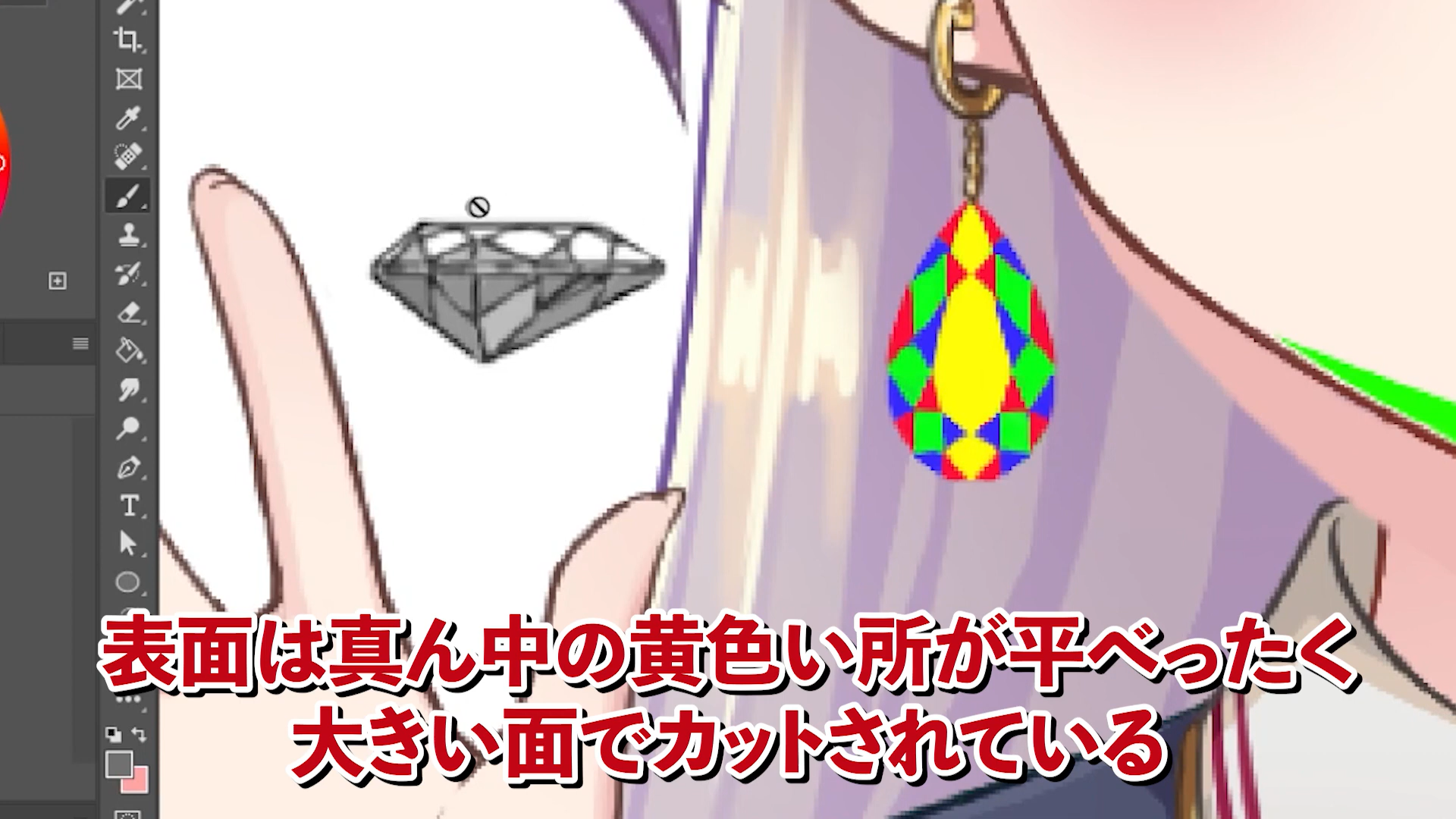
The Textures of Gemstones
-
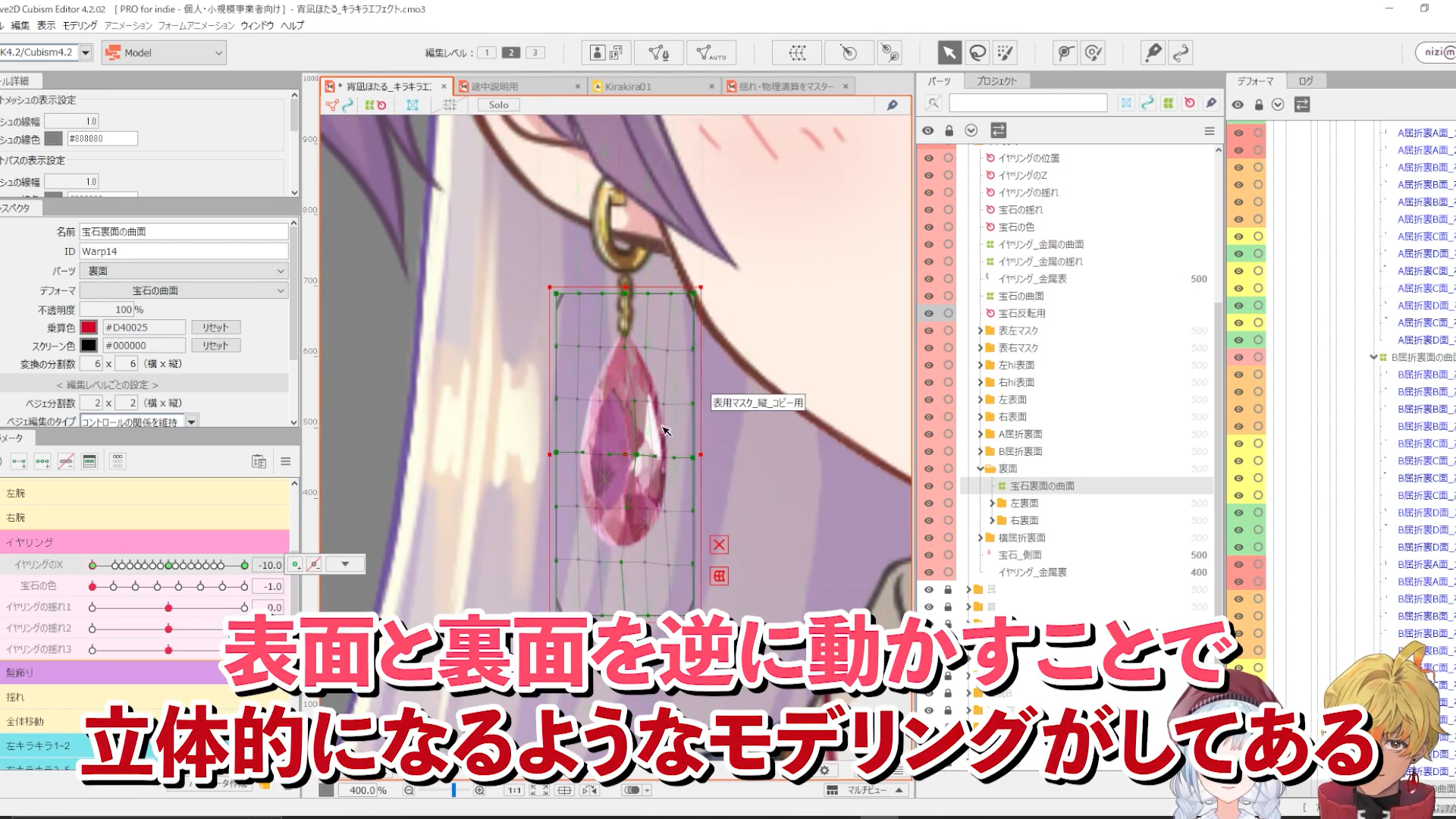
The three-dimensional effect of gemstones
-
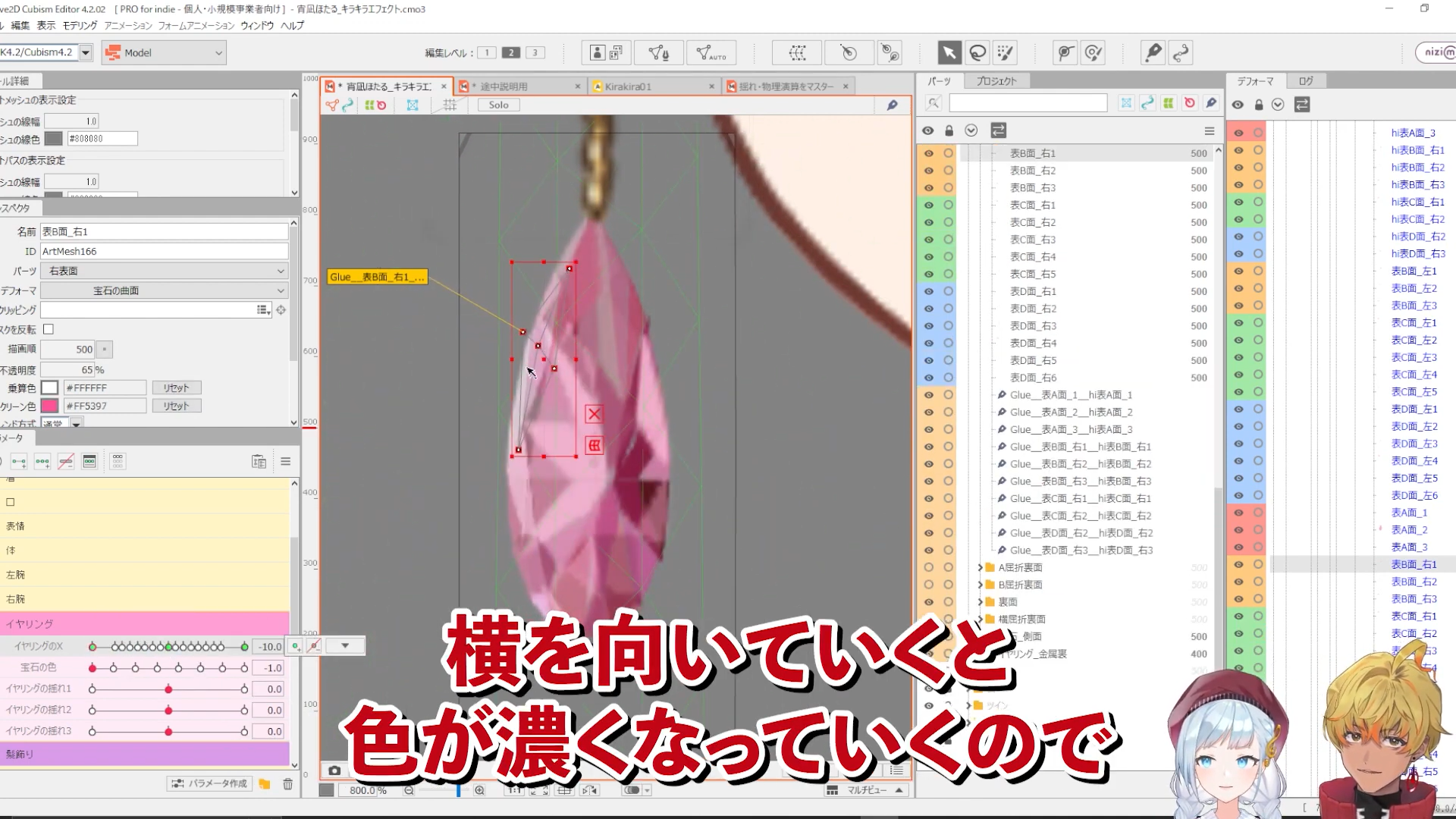
Expressing transparency with opacity, multiply and screen colors
-
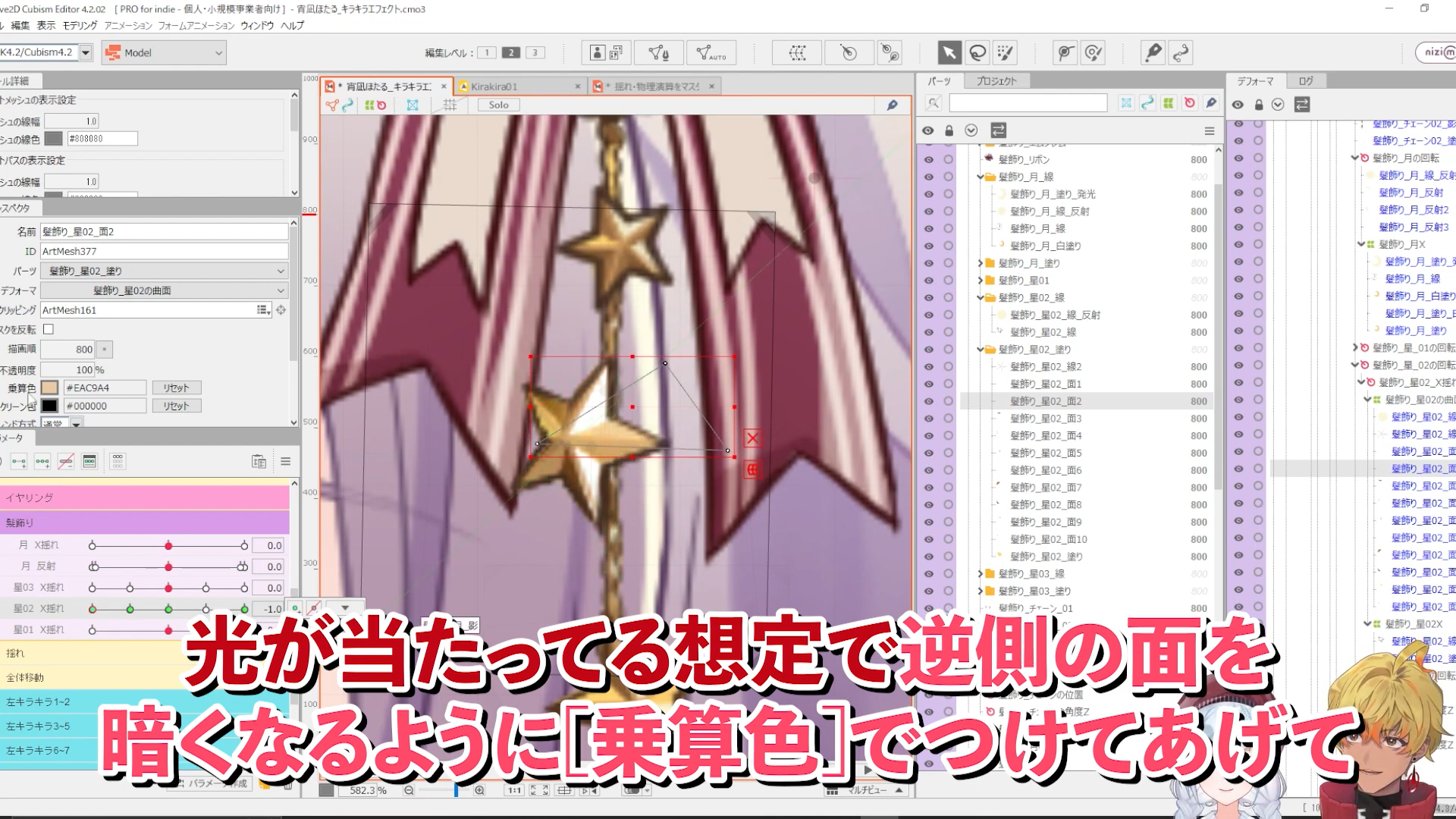
Expressing reflections of metals by using multiply and screen colors
-
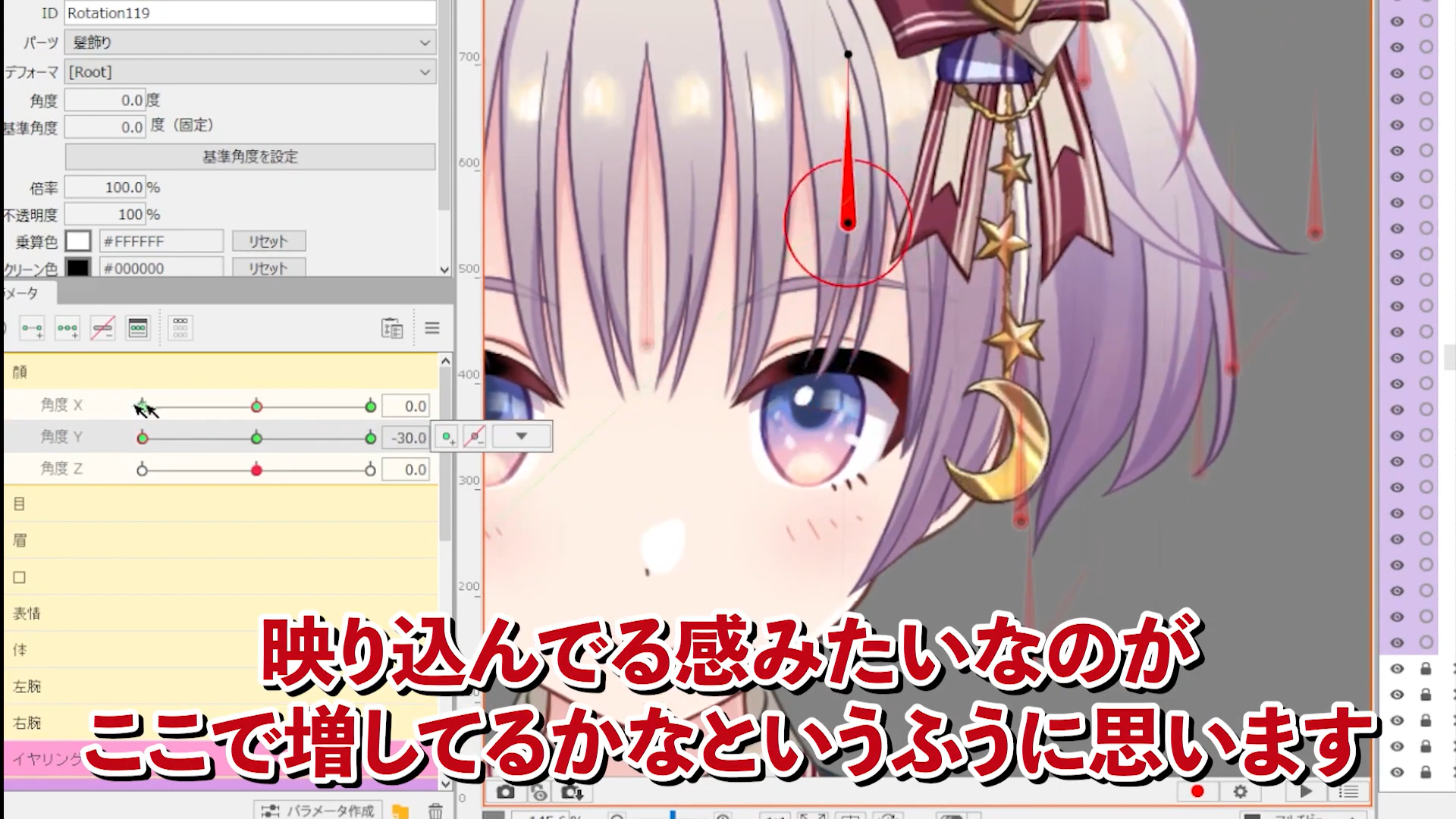
Reflection of metal
-
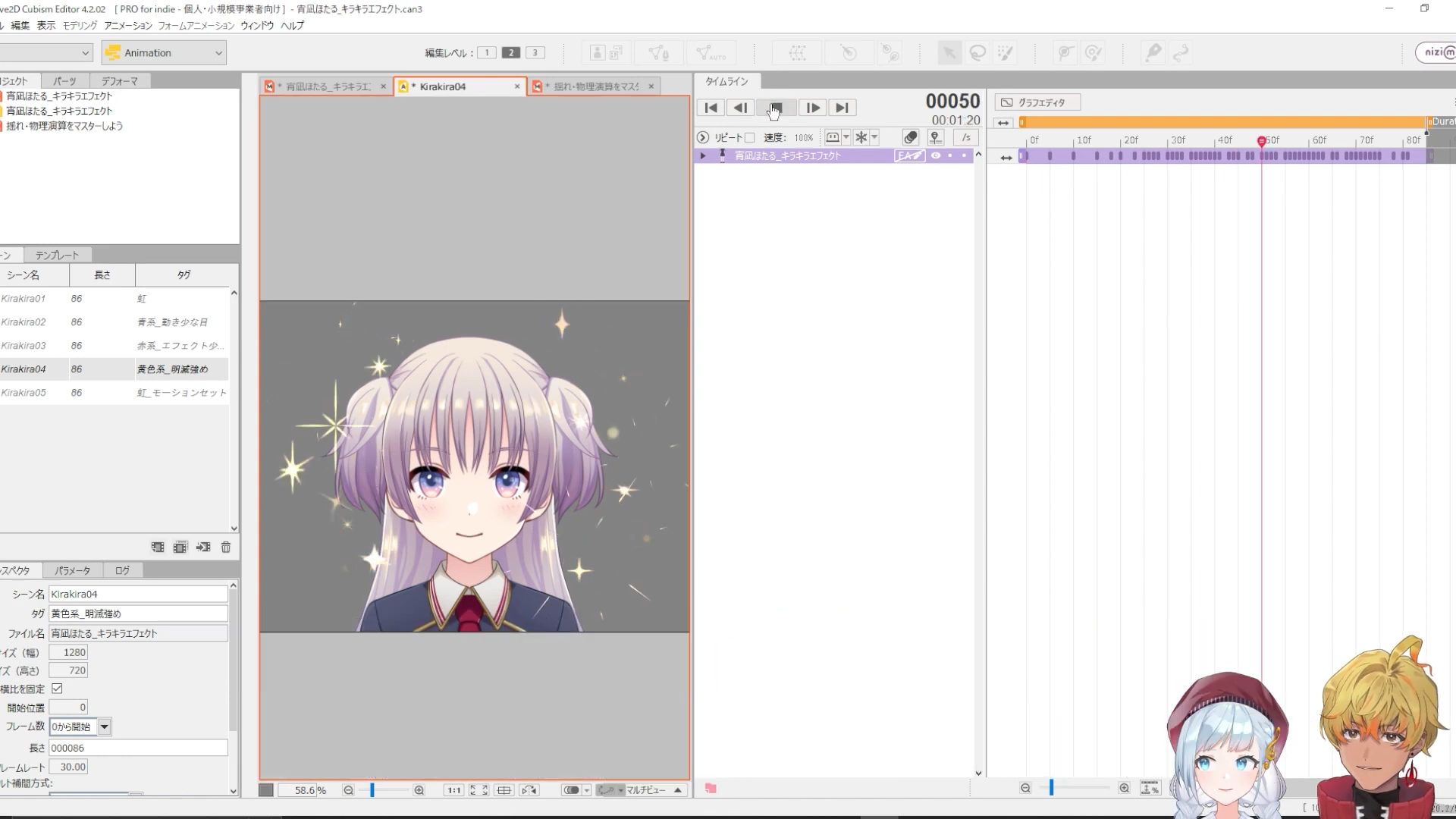
Sparkling effects perfect for shimmering effects
In this course, with the theme of “Sparkle effects,” we will explain how to express polyhedral jewels three-dimensionally and how to make them glow, as well as how to make metal hair ornaments glow.
Although the course is designed to be incorporated into VTuber models, it can also be used as a reference for video and game models, and is recommended for everyone who works with Live2D!
In addition, “How to Create Effects” will become a series and we will continue to explain how to create various effects in the future, so please be sure to check it out.
#1 Gemstone Sparkling Effect
#2 Metal Sparkling Effect
#3 How to Create Sparkling Effects
The data used in this course can be downloaded from here.
You need to login to the members-only page to download the data. For details about logging in, please click here.
▼Effects Lecture Series
How to Create Effects – Flames
This is an edited version of the live lecture “How to Create Effects – Sparkles” [#Live2DJUKU] streamed on 2023.01.06.
Total 3 videos
-

#1Gemstone Sparkling Effect
In “Gemstone Sparkling Effect” we will explain the structure of cut surfaces unique to gemstones in terms of transparency, reflection, refraction, and modeling.
Contents of PSD data
Contents of parameters
Deformer structure
Warp Deformers for gemstones
Reflection and refraction of light on surfaces
Setting up physics settingsClick here for a video of jewelry earrings introduced in a previous course
Let’s master swaying and physical settings ② Master various functions [#Live2DJUKU]
Let’s master swaying and physical settings ③ Application techniques [#Live2DJUKU]
▼ For more information about the reference course
Let’s master swaying and physical settings -

#2Metal Sparkling Effect
In the “Metal Sparkling Effect” section, we will explain how to make reflections look like metals,
color changes, physical settings, and structures in modeling.Contents of PSD data
Deformer structure of the moon
Deformer structure of a star
Physics settings -

#3How to Create Sparkling Effects
This section explains the recommended parameters for creating effects like the pictogram “” here, how to separate the motion elements, tips on how to move them in modeling, and how to create motion.
Contents of PSD data
Structure of Glitter 1
Structure of Glitter 2
Structure of Glitter 3
Structure of Howa Effect
How to change colors
Motion settings*The URLs of the data and sites used in this course can be downloaded from this community page. (This is a membership-only offer.)
Release Date2023/02/15