
This course contains member only contents,
please check the following for
membership subscription.
-
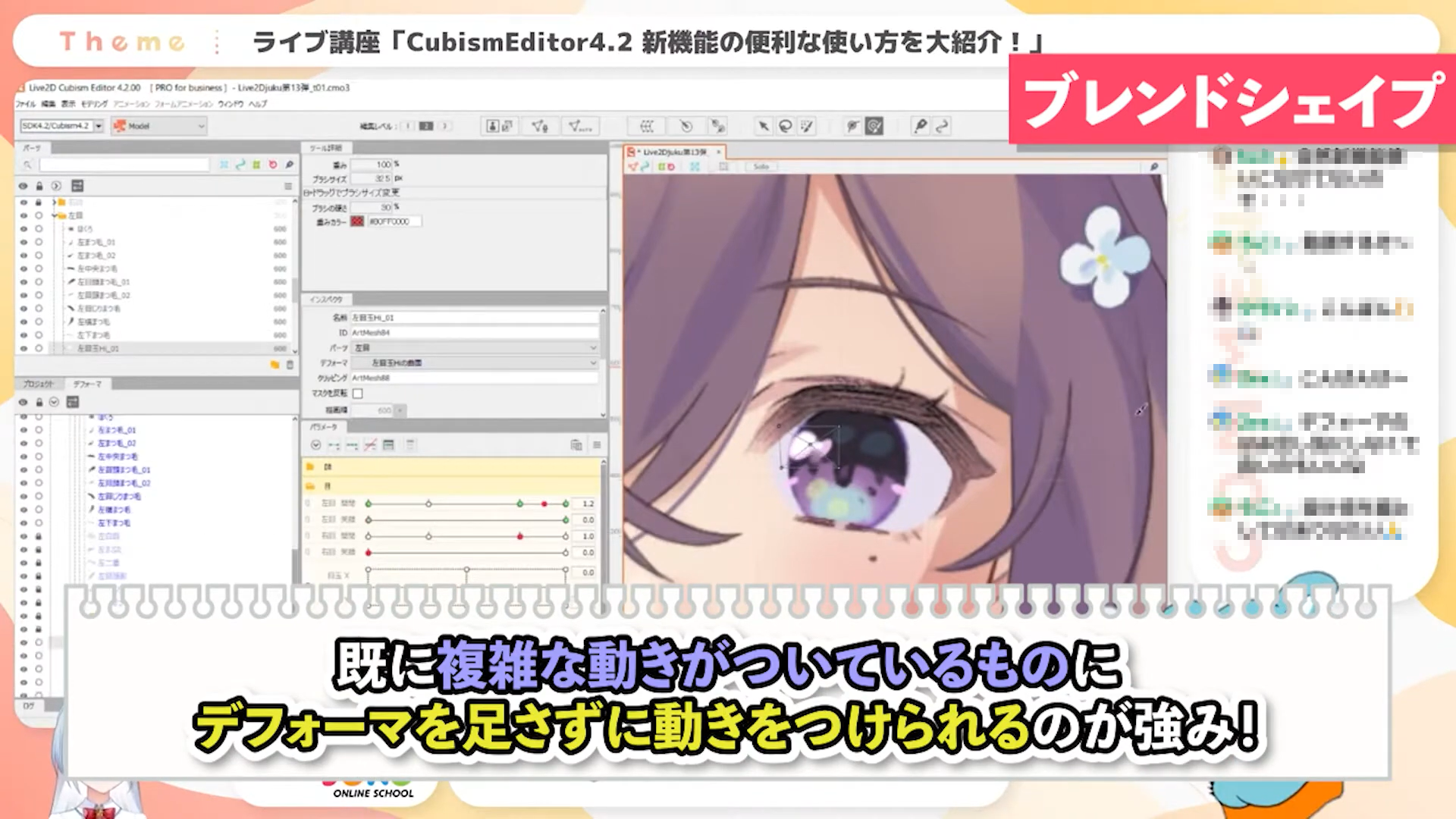
Recommanded Feature (1) "Blend Shape"
-
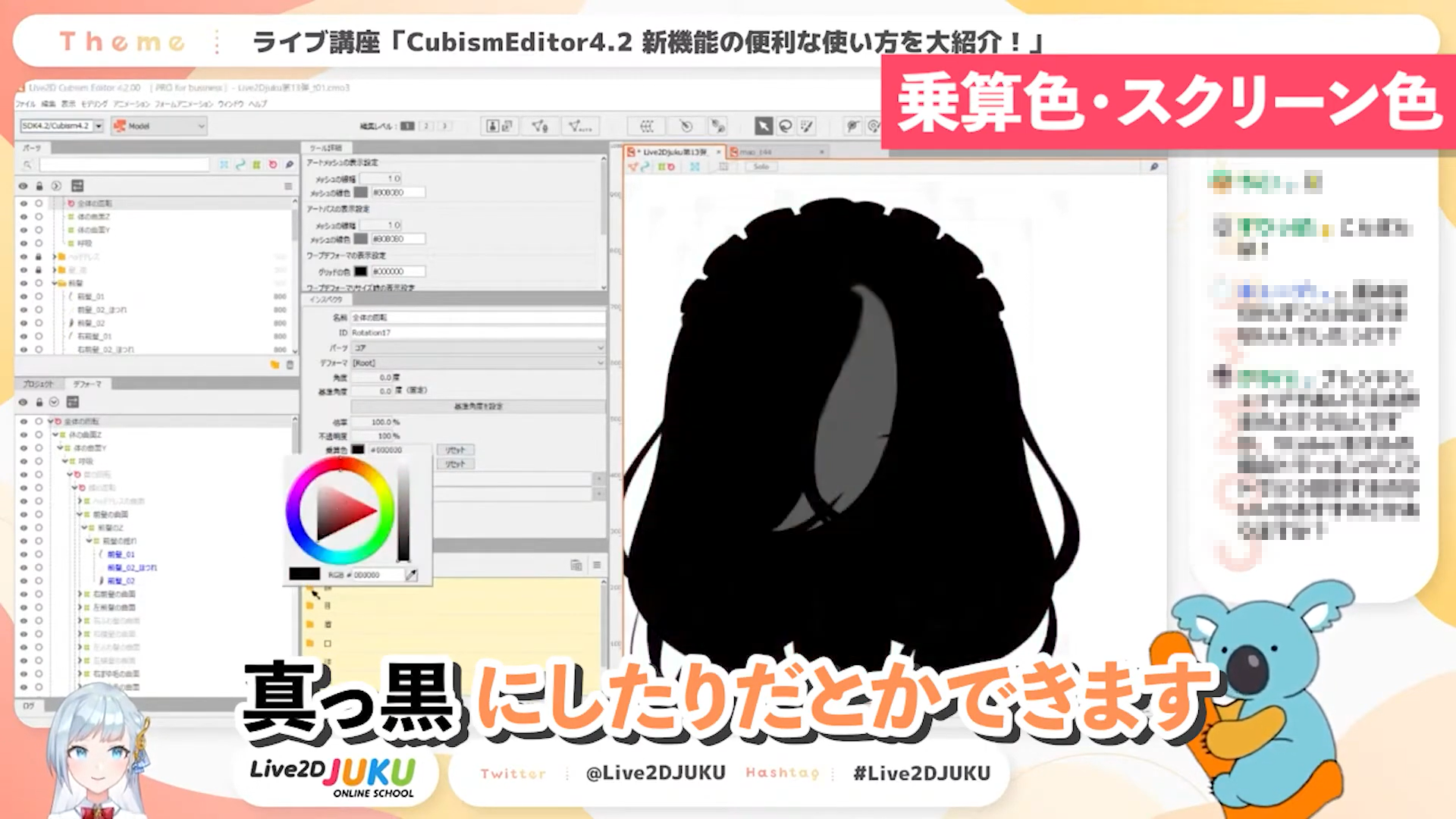
Recommanded Feature (2) "Multiply Color/Screen Color"
-
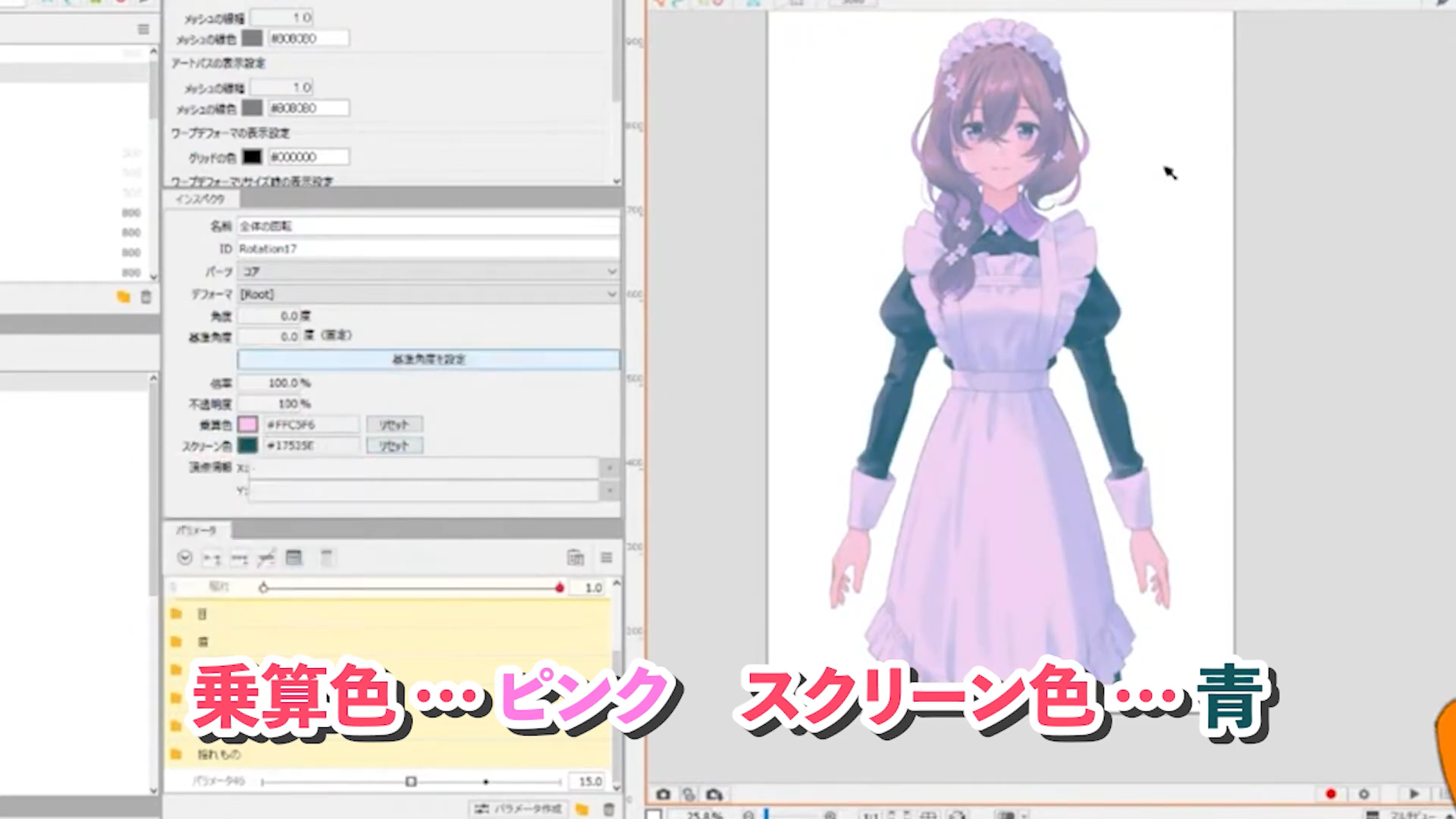
The Combination of Multiply and Screen
-
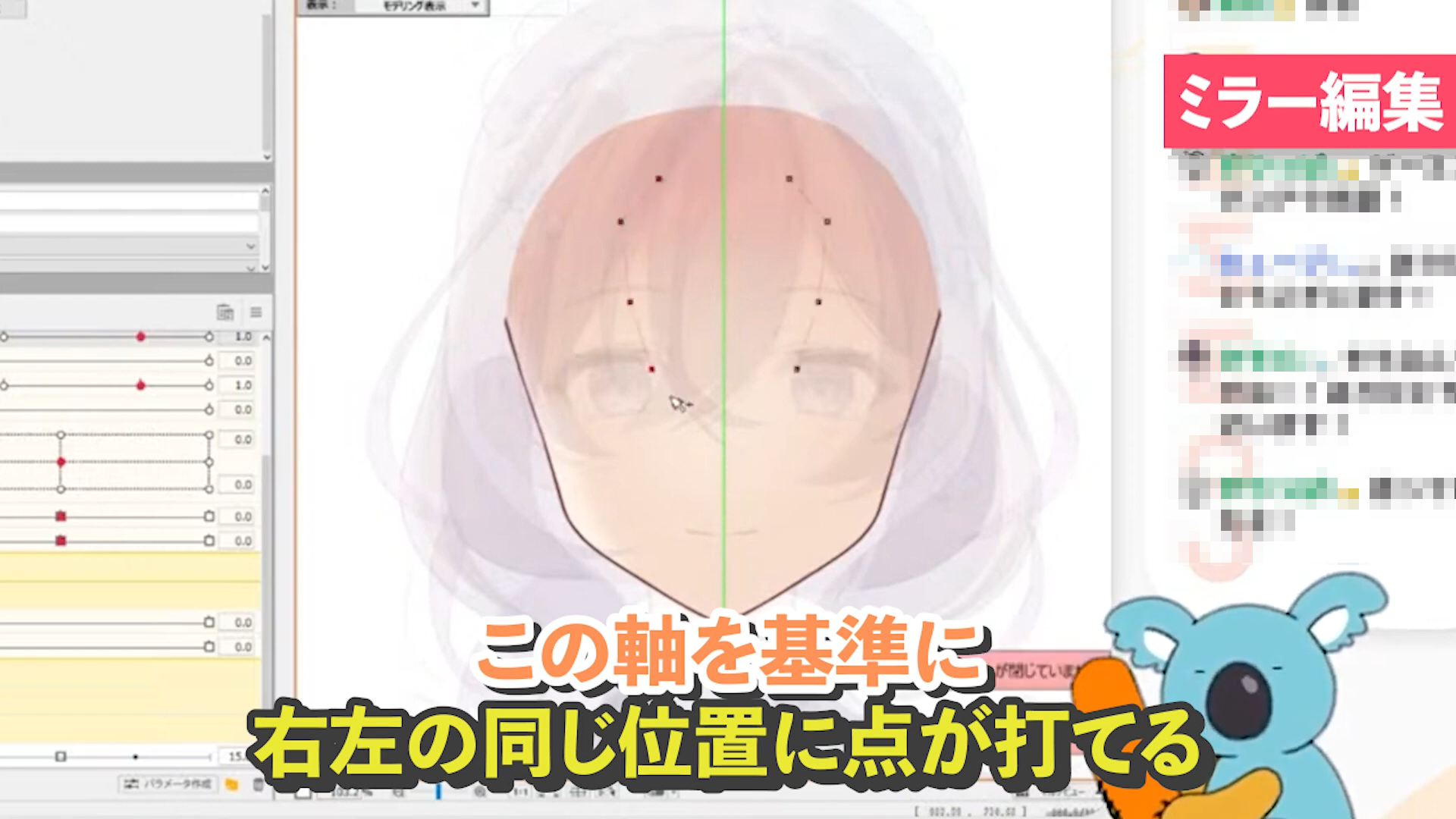
Recommanded Feature (3) "Mirror Editing"
-
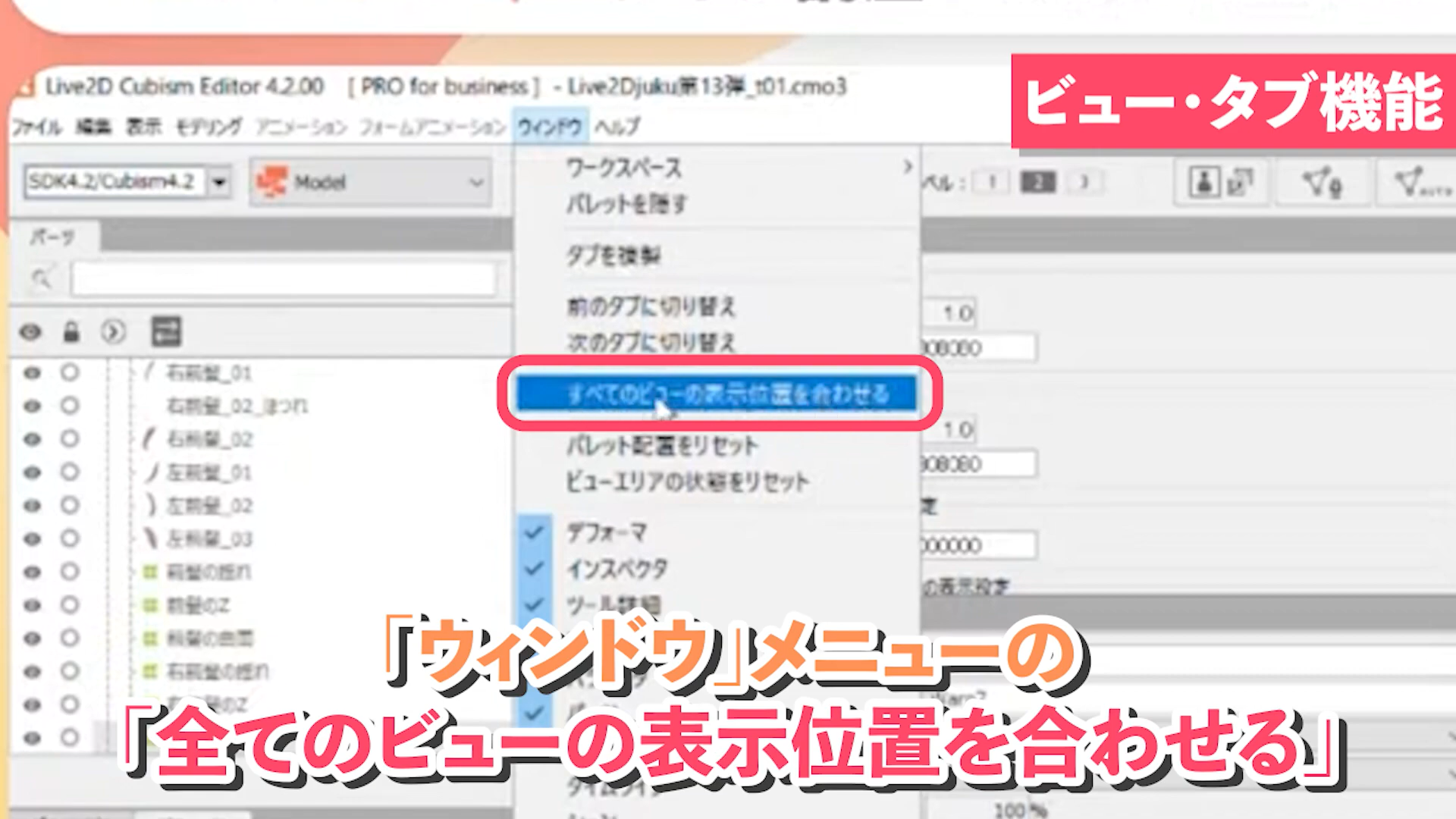
"View/Tab function" is recommended when you want to make adjustments while comparing with another model
-
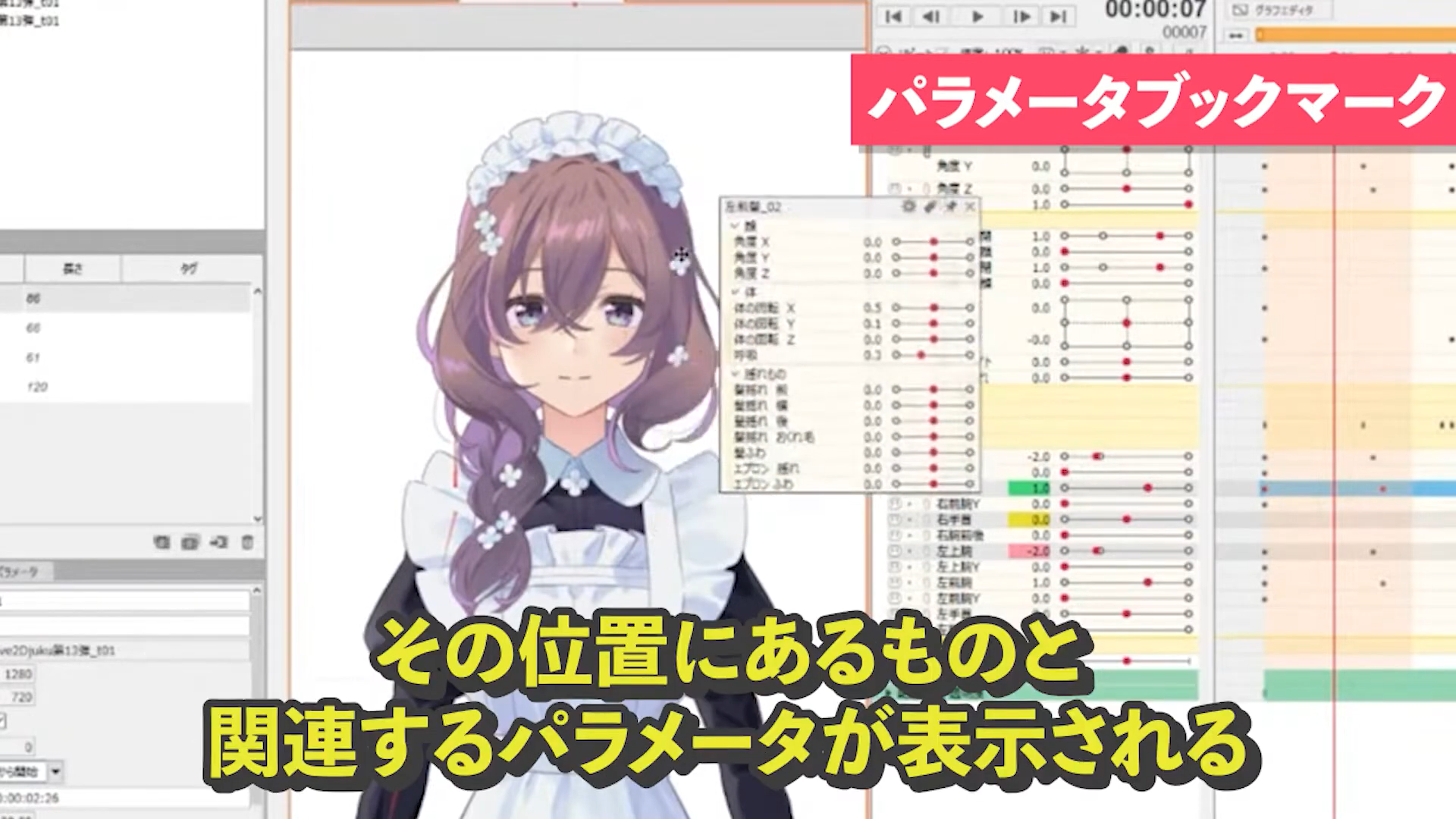
"Parameter Bookmark" recommended when the quantity of parameters increases and it is difficult to find the one you need.
-
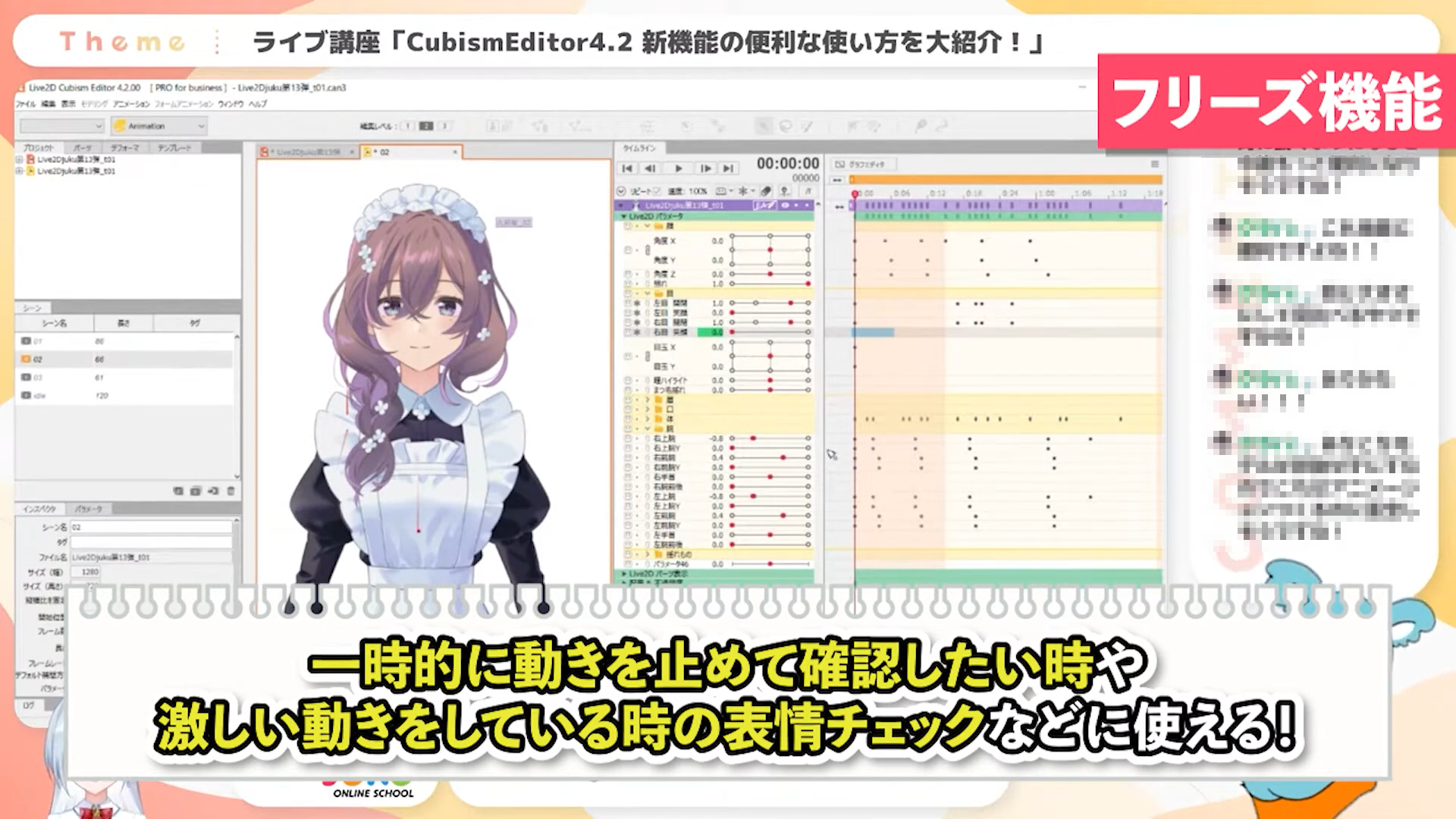
"Freeze function" recommended when you want to stop the animation of specific parameters
In this course, we will introduce the new features added in CubismEditor 4.2 by showing you examples of actual use.Please take advantage of the new features and use them to express new models and improve work efficiency.
List of Videos in this Lecture
#1 Blend Shapes and Multiply/Screen Colors
#2 Mirror Editing and Other Enhancements
#3 Animations and keyboard shortcuts
This is an edited version of the live streaming on 2022.8.15, CubismEditor4.2 New Feature Introduction! [#Live2DJUKU].
Total 3 videos
-
#1Blend Shapes and Multiply/Screen Colors
In this chapter, I will introduce “Blend Shape”, which allows modeling without worrying about the number of parameter multiplications, and “Multiply/Screen Color”, which allows compositing colors specified on an object with Multiply/Screen Color.
Recommanded feature “Blend Shape Explaination”
Another recommanded feature, “Multiply/Screen Colors.” -
#2Mirror editing and other enhancements
In this chapter, I will introduce “Mirror Editing,” which allows you to add vertices symmetrically and edit them efficiently, and other new features useful for modeling.
“Mirror Editing.”
“Special Paste Forms”
“Automatic Generation of Four Corner Forms”
“Random Pose” *Updated
“View Tab Function” -
#3Animations and keyboard shortcuts
In this chapter, I will introduce enhanced keyboard shortcut functions that are useful when creating animations.
“Parameter bookmarks”
“Freeze Function”
“Embedded Model Tracks”
“Keyboard Shortcuts”
Release Date2022/09/26